
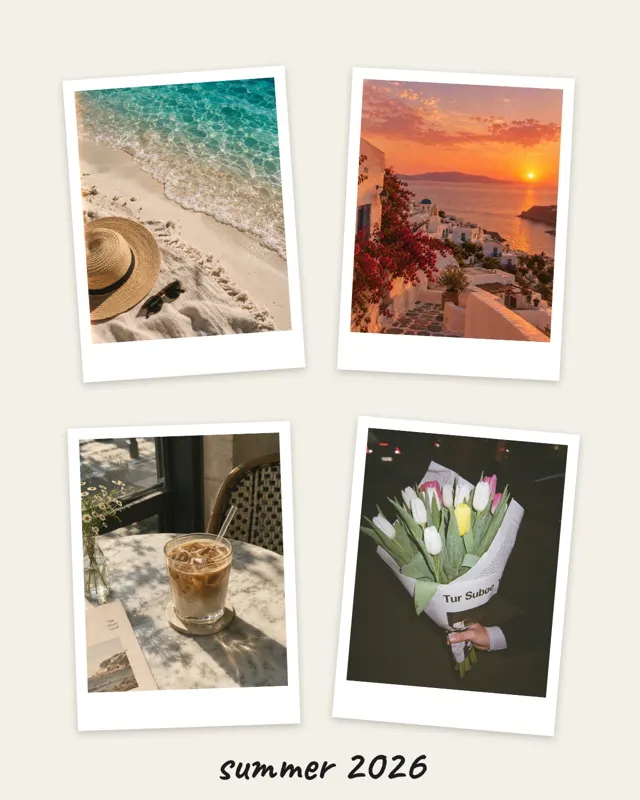









One photo per year
For milestone birthdays: one picture from every decade or one photo per year. The year-in-review template with twelve slots is a good start.

Occasion: birthday
A collage says more than “Happy birthday” alone. A few photos together, one personal line, and you have a greeting people love to look at again. mosa has its own birthday template and matching stickers.
Free for iPhone. No ads, subscription, watermark or account.

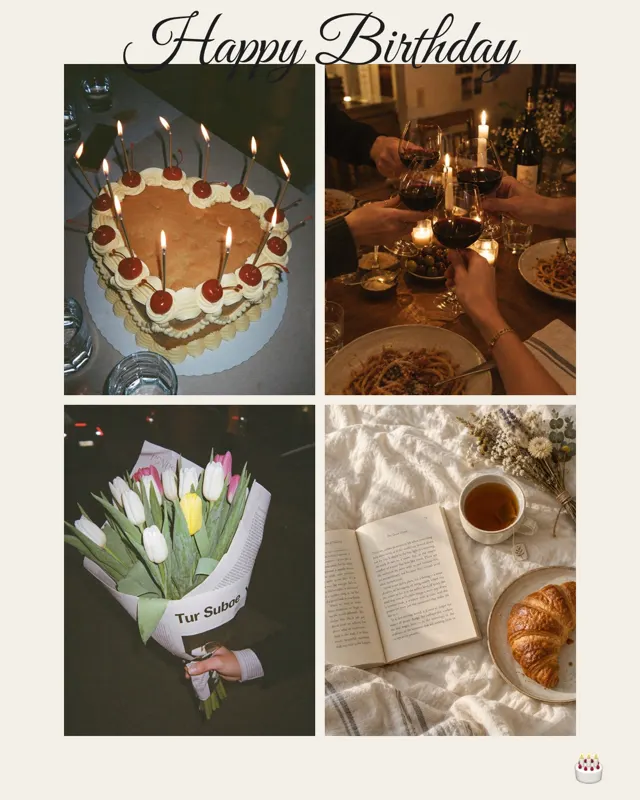




Text, font and stickers are already in place. If you prefer to start from scratch, choose one of more than 500 layouts.
Pictures from different years and moments work best. mosa fills the slots and you can swap them around at any time.
Change the text, add the age or an inside joke and save the collage as an image or a short video.
These templates work especially well for birthday wishes:
For milestone birthdays: one picture from every decade or one photo per year. The year-in-review template with twelve slots is a good start.
Two pictures side by side, one from childhood and one from today. It almost always gets a smile.
Instead of a generic wish, use a quote or a shared moment. mosa offers 12 fonts, from handwriting to typewriter.
A candle, a balloon or a “Best day” label is enough. Too many stickers distract from the photos.
Short answers.
Yes. mosa includes a candle, balloons, confetti, a bow and labels like “Best day”. You can place, rotate and resize them freely.
Yes. Besides the screen formats there are also 10 × 15 and A4. Save the collage to your Photos and print it from there.
The finished collage is saved in your Photos. From there you can share it with any app that sends images or videos.
Yes. mosa is completely free, with no ads, no subscription, no watermark and no account.
More guides and templates for your next collage.
mosa is completely free. No ads, no subscription, no watermark and no account.