A few strong pictures: editorial
One big image, a headline, plenty of white space. Editorial templates look like a magazine page and often need just two to four photos.

Templates
More than 60 ready-made templates for your iPhone. Pick one, add your photos and the collage is done. Fonts, colours, frames and stickers are already in place and stay fully editable.
Free for iPhone. No ads, subscription, watermark or account.


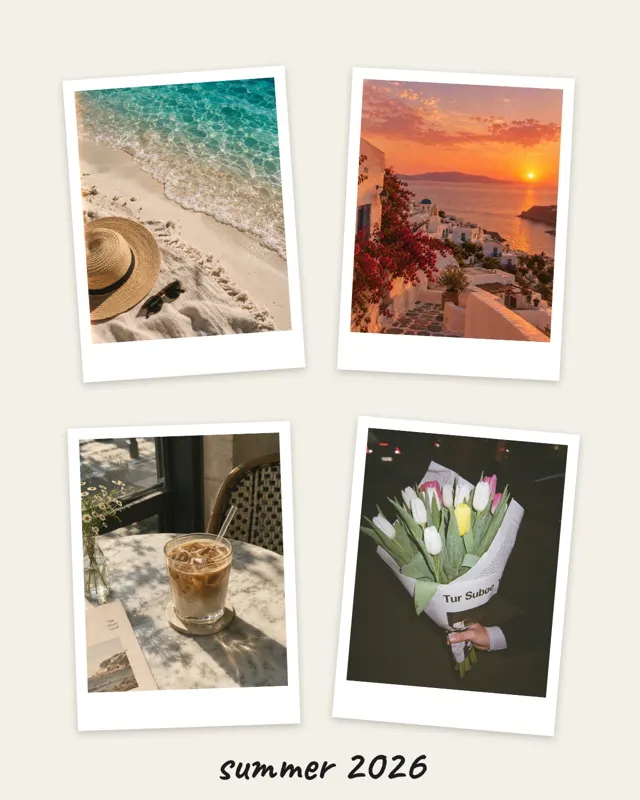
The home screen of the app shows every template sorted by style. Each preview shows exactly what your collage will look like.
mosa knows how many pictures a template needs and fills the slots in order. You can swap the order at any time afterwards.
Change the text, pick a filter, add a sticker. Then save the collage as an image or an animated video straight to your Photos.
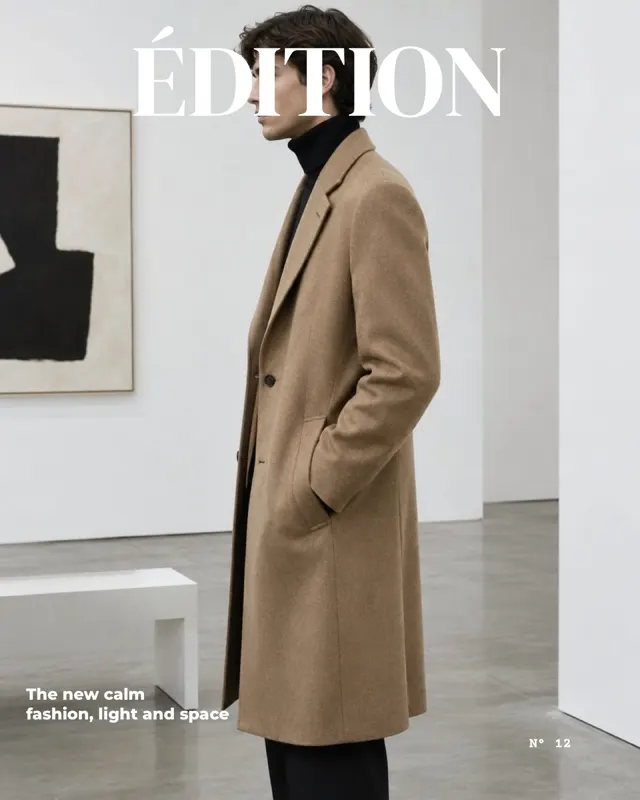


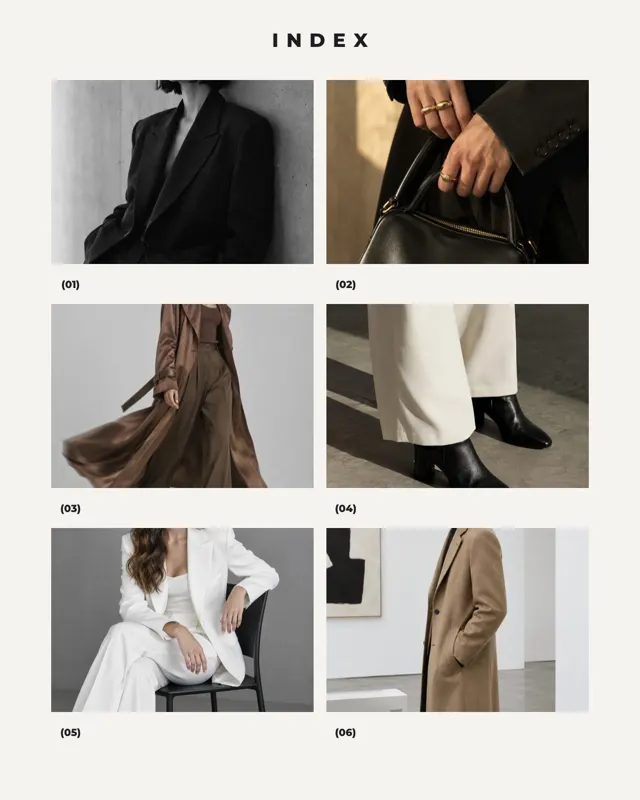

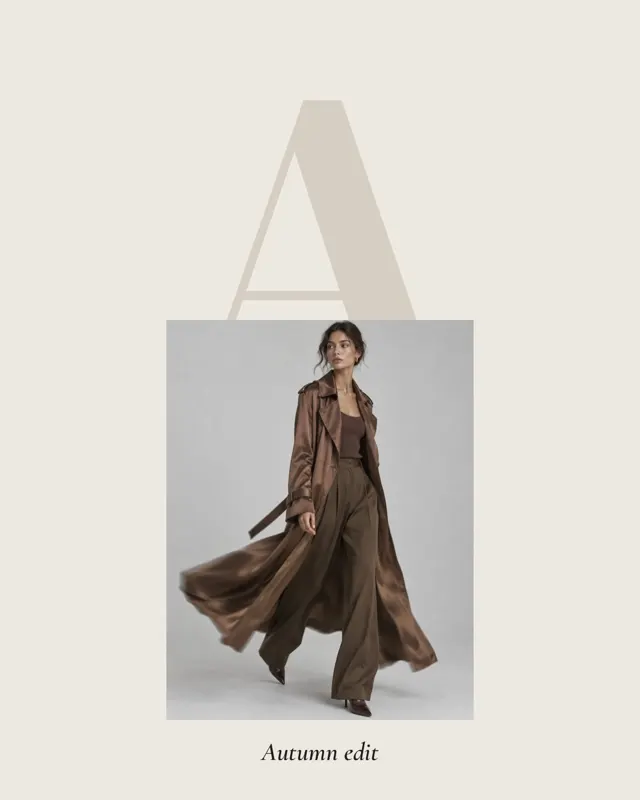
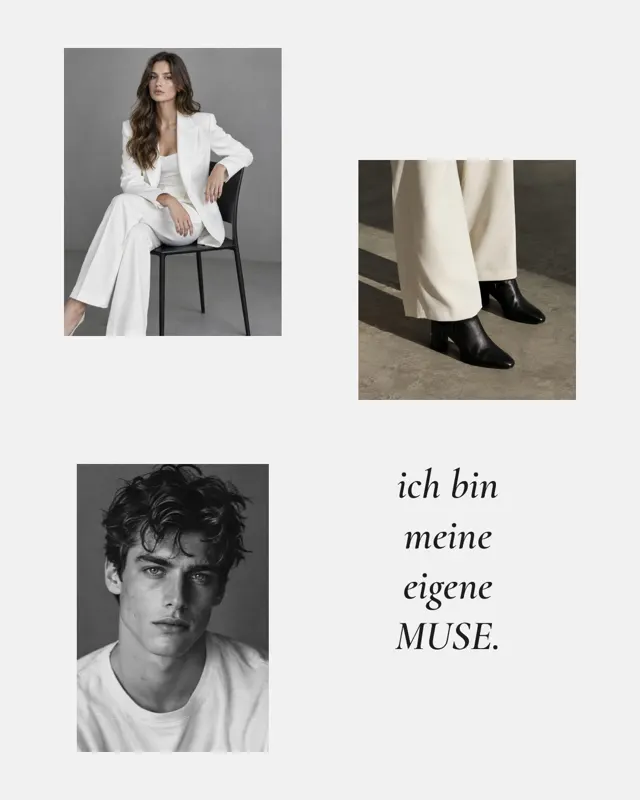
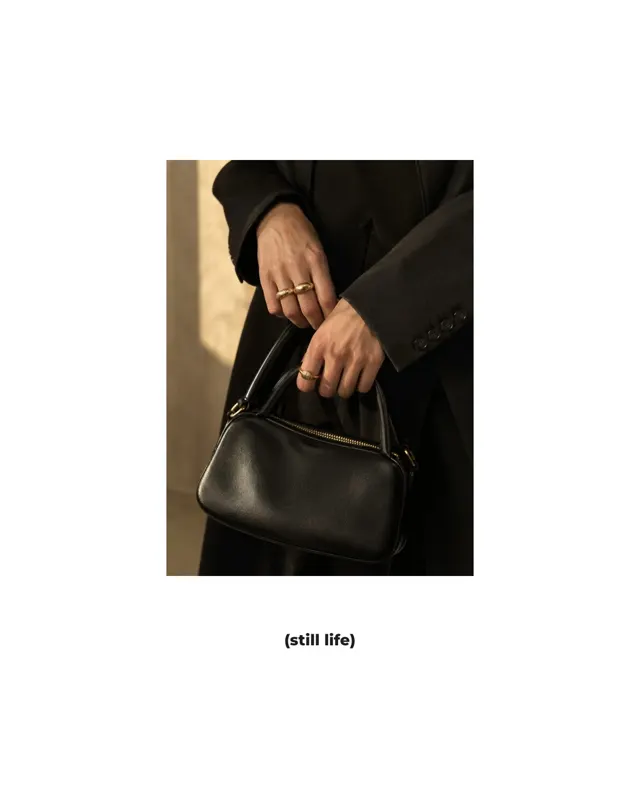




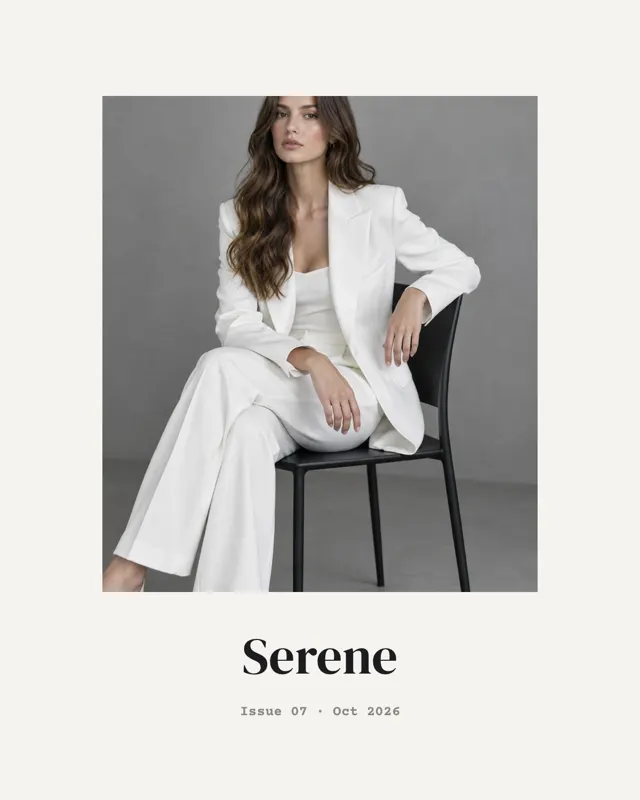
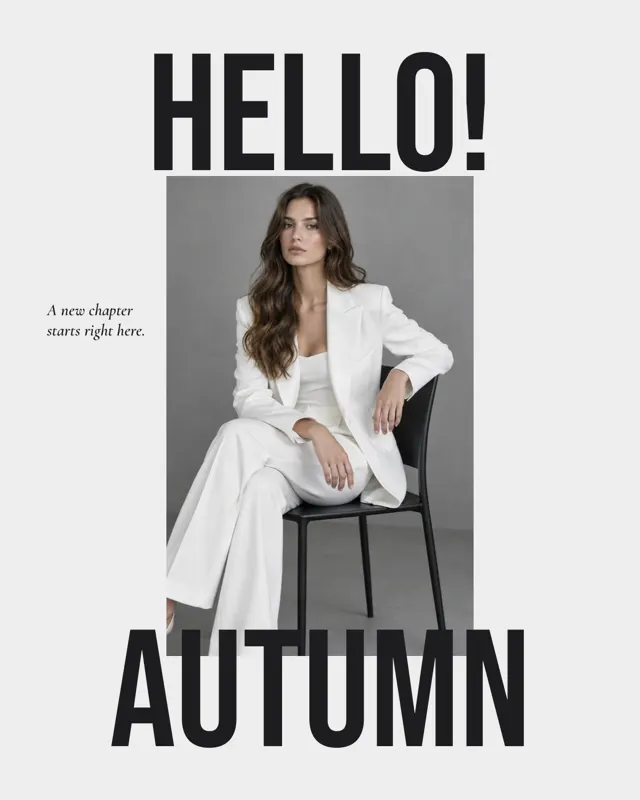
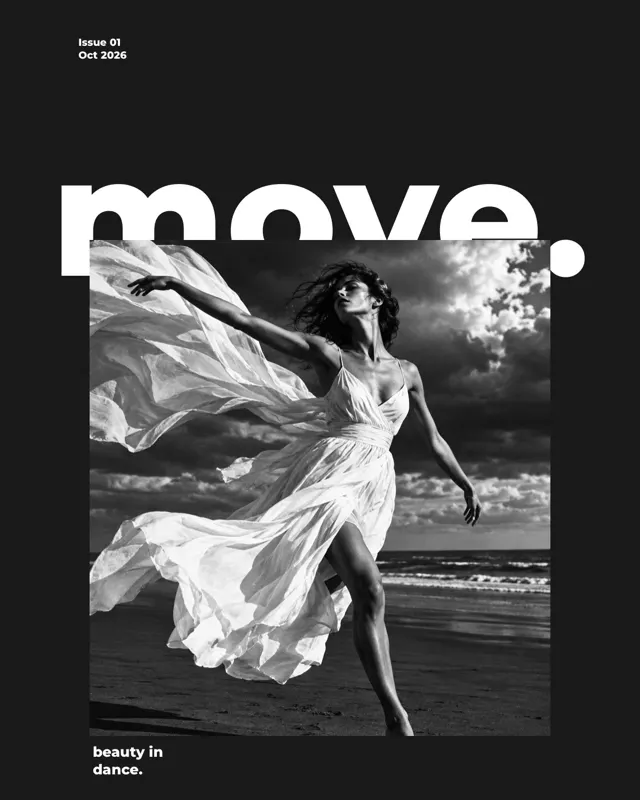

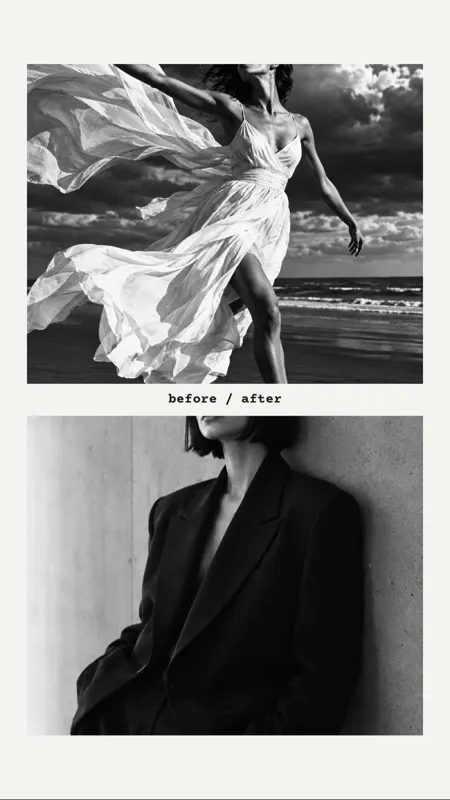


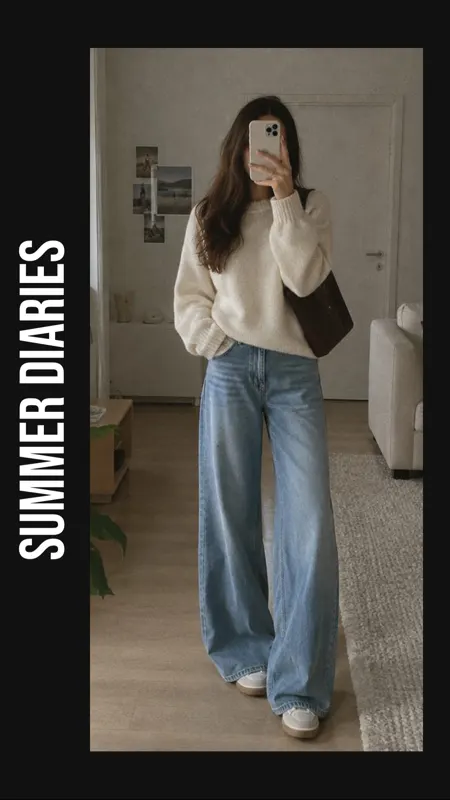










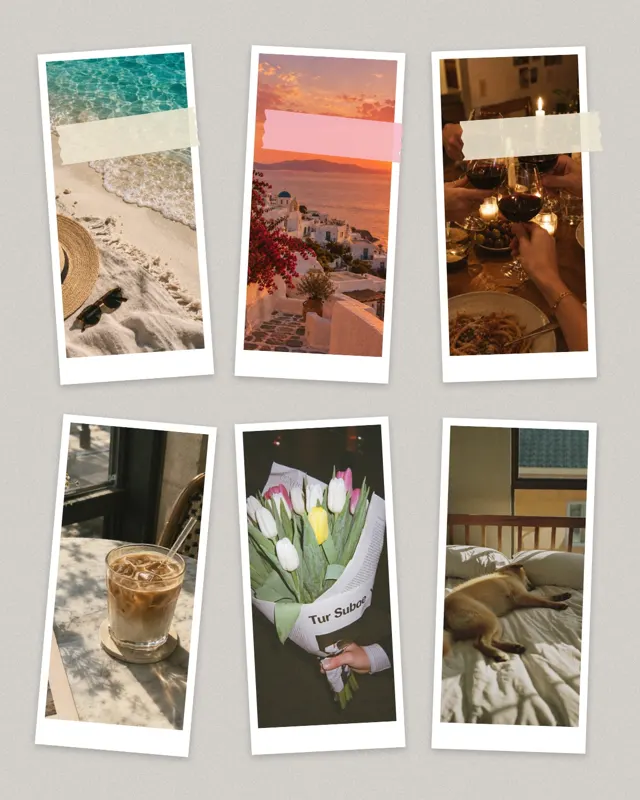




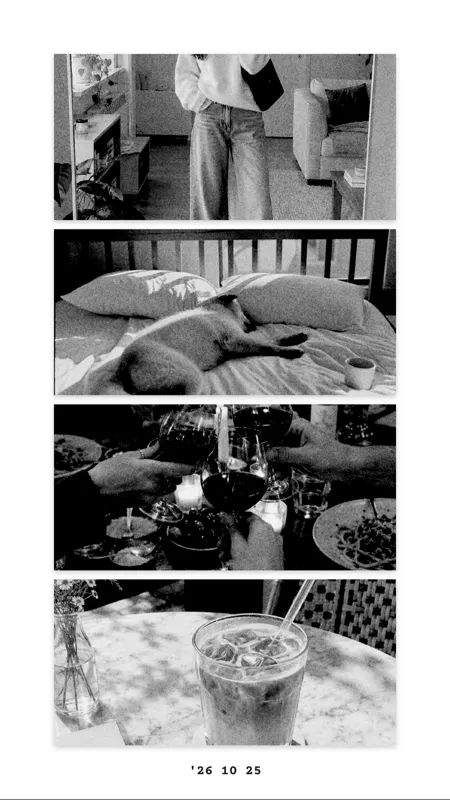
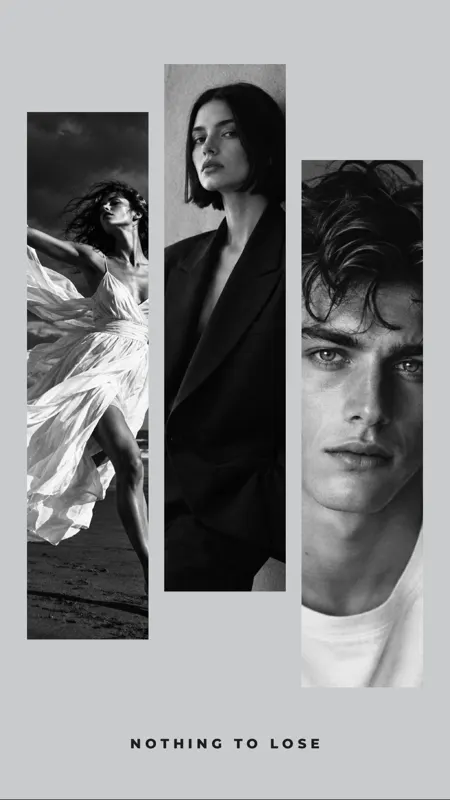
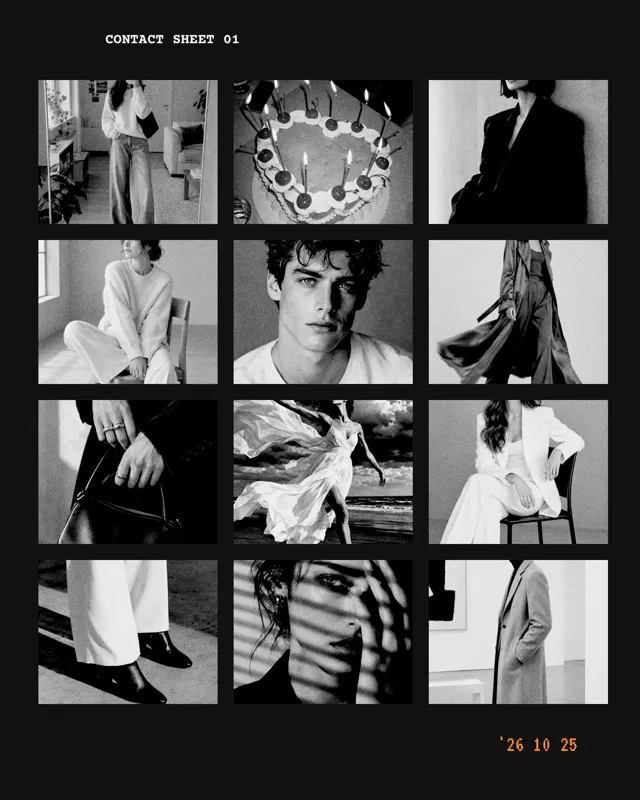


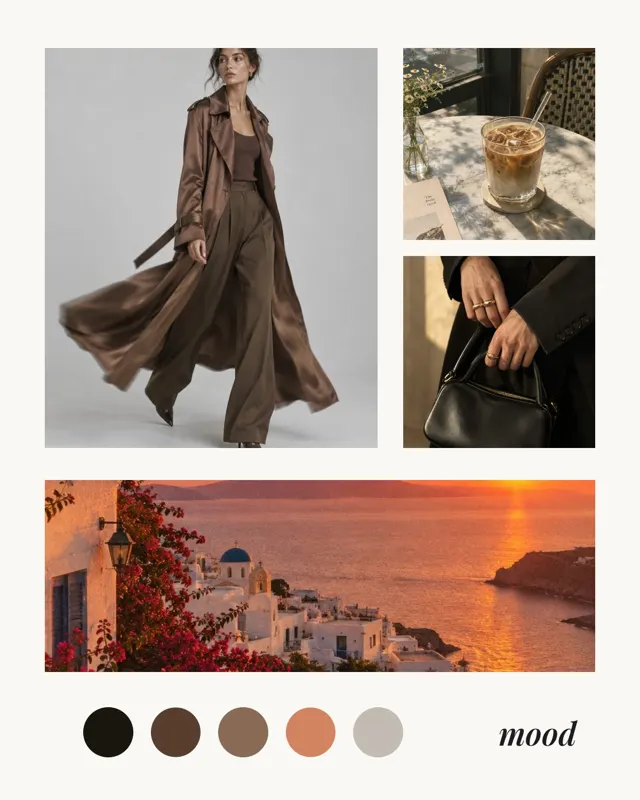
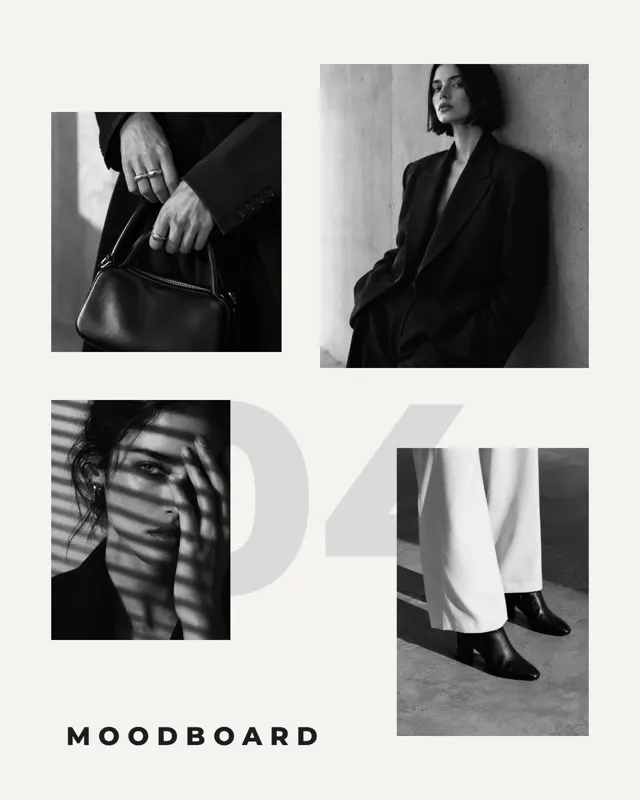
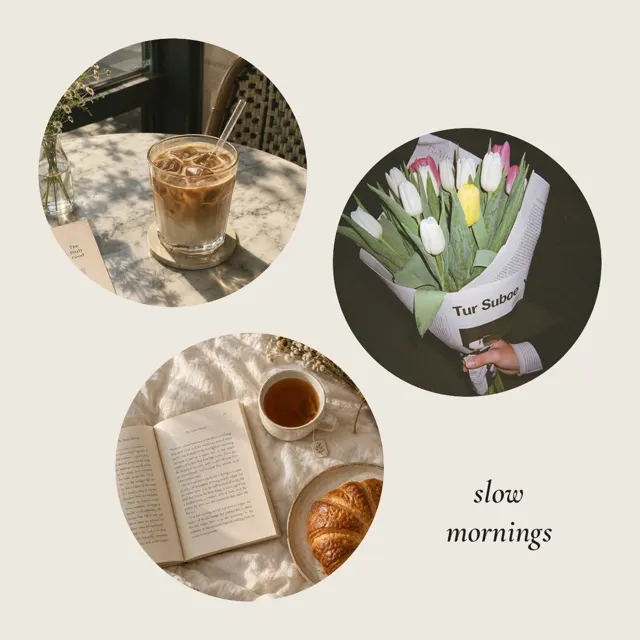







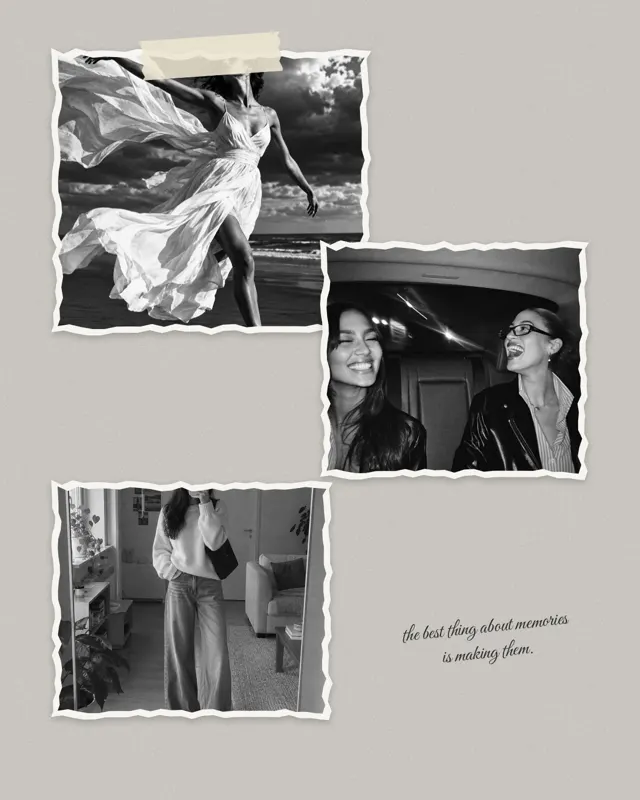


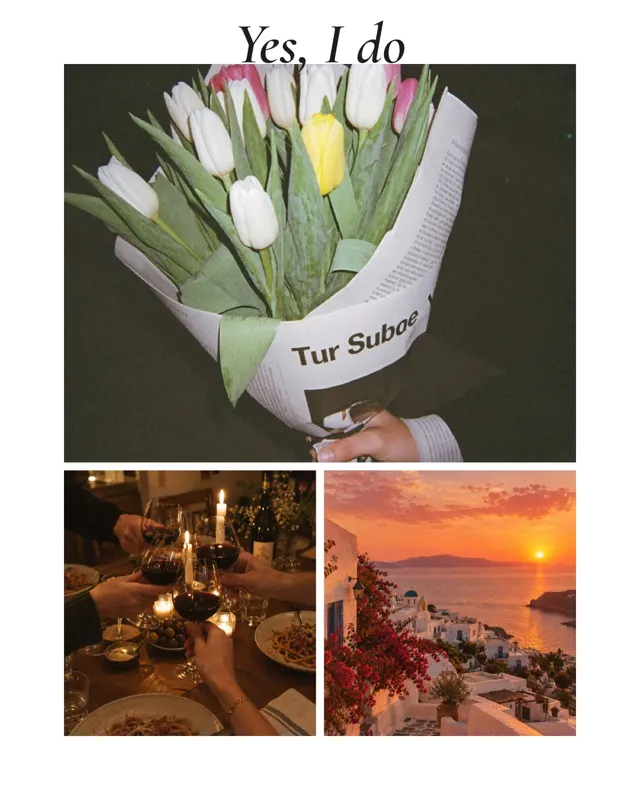






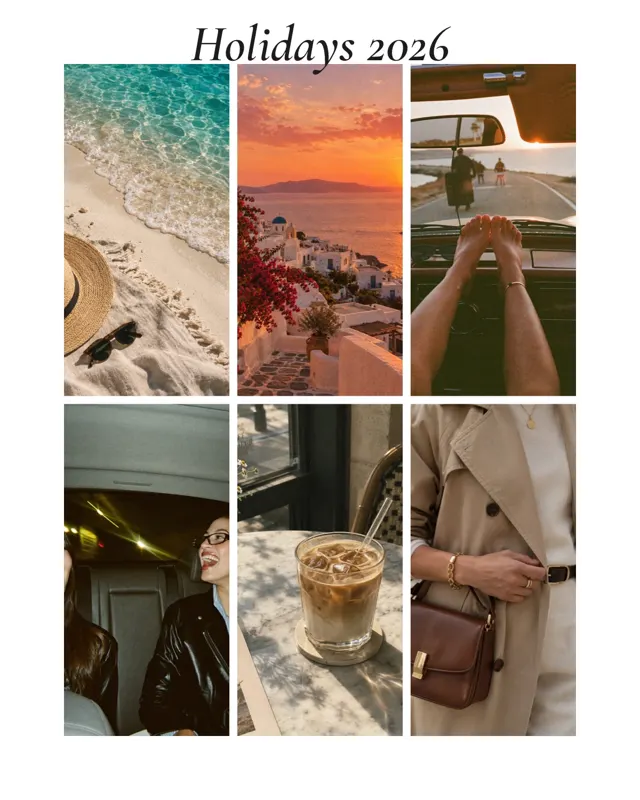
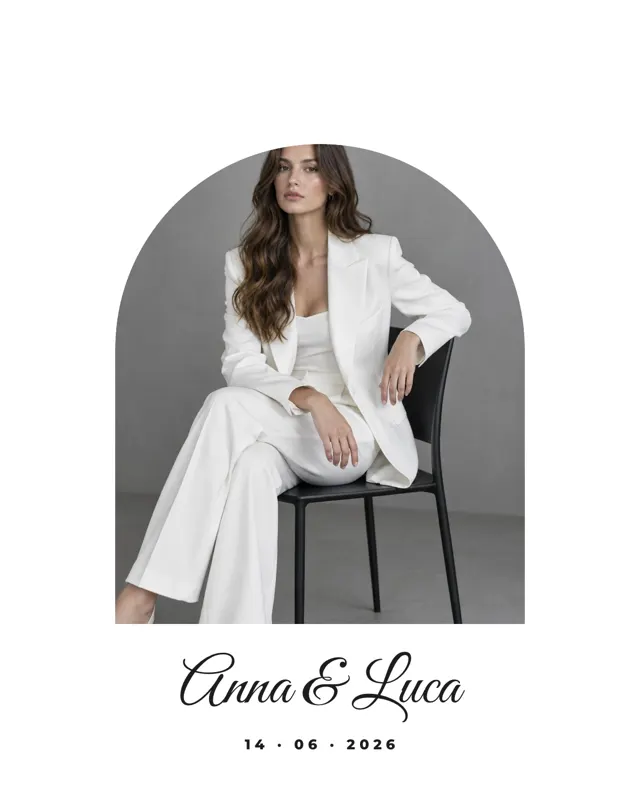

One big image, a headline, plenty of white space. Editorial templates look like a magazine page and often need just two to four photos.
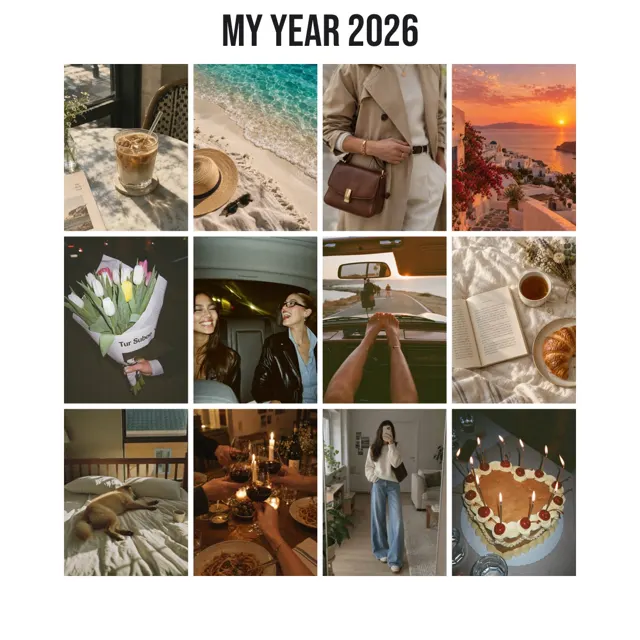
A weekend, a concert, a whole month. The photo dump takes nine, twelve or even twenty pictures and arranges them in a calm grid.
Colours, textures, places. Moodboards and vision boards combine pictures loosely, and some even turn the colours of your photos into a palette.
Birthday, wedding, Mother’s Day, holidays or a year in review. Text and stickers are ready, you only pick the photos.
Short answers.
No. Every template is included in mosa for free. There are no locked templates, no subscription and no watermark.
Yes. A template is just the starting point. Layout, text, font, colours, frames and stickers can all be changed.
That depends on the template: anything from a single picture to twenty photos. The number is shown with every template.
No. All templates are stored in the app and work offline. Your photos never leave your iPhone.
More guides and templates for your next collage.
mosa is completely free. No ads, no subscription, no watermark and no account.