







No app
Shortcut “Combine Images”
- Good for
- Quickly joining two or more photos side by side, stacked or in a grid
- Limits
- No text, no templates, no format choice, needs setting up once

Guide
The iPhone Photos app can’t make collages. There are workarounds without an extra app, and there are apps made exactly for this. Here are all three ways with their strengths and limits.
Free for iPhone. No ads, subscription, watermark or account.
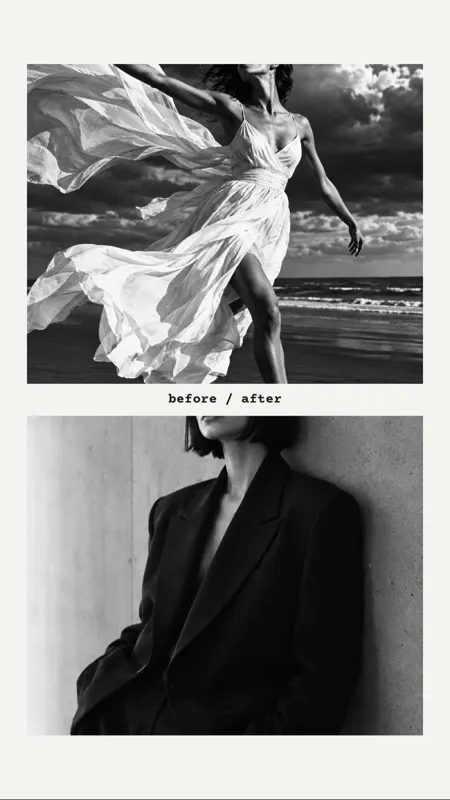


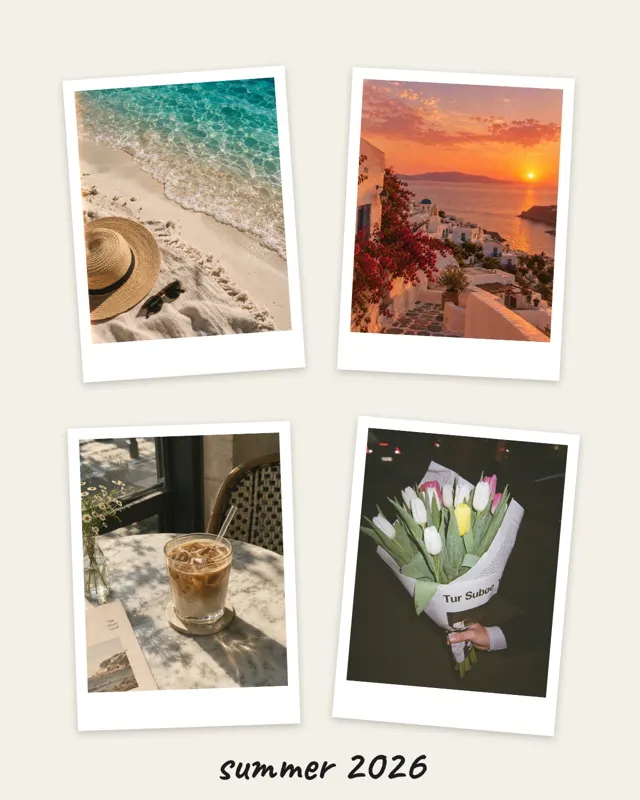

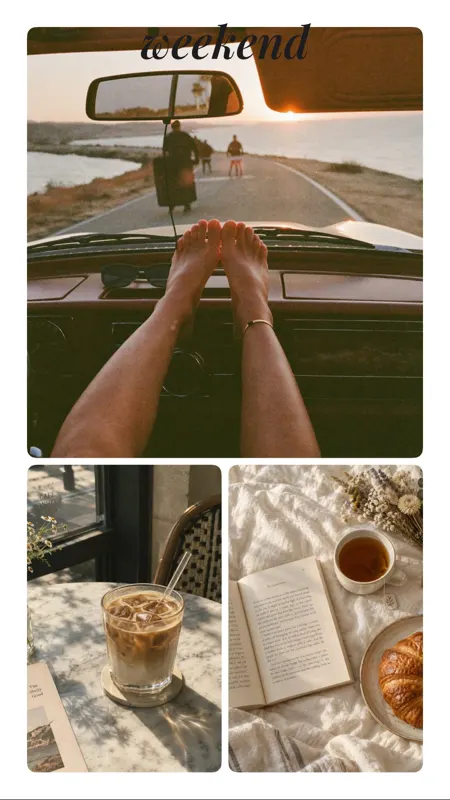
Open mosa, tap “New collage” and choose up to 20 pictures from your library.
mosa shows layouts that match the number of photos. Or choose one of more than 60 templates with text and frames already in place.
Drag the dividers, choose a format, add text and filters. Then save the collage as an image or an animated video to your Photos.
No app


No app




With an app · Quickest
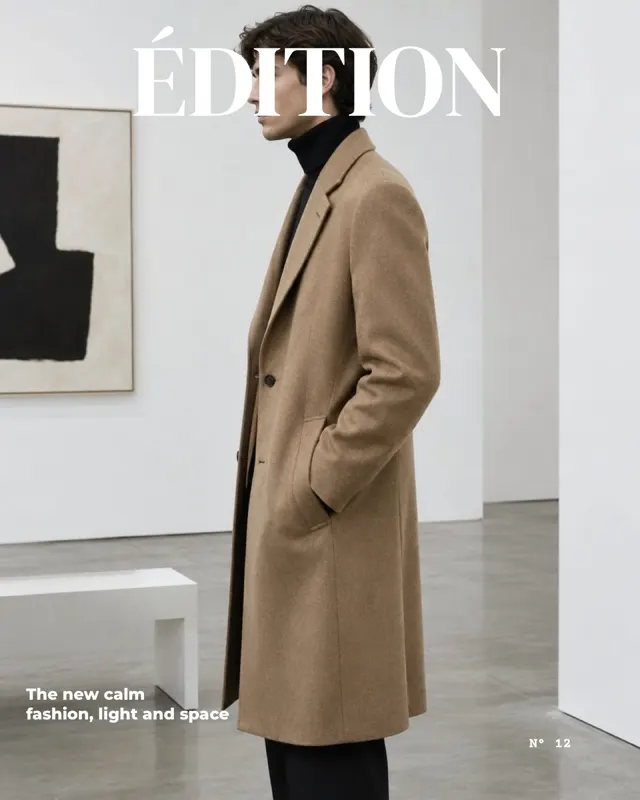
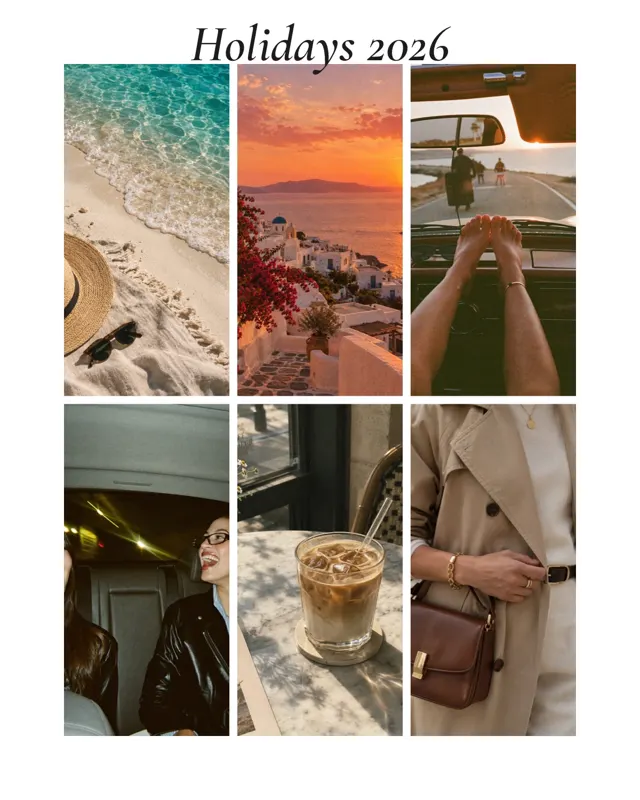
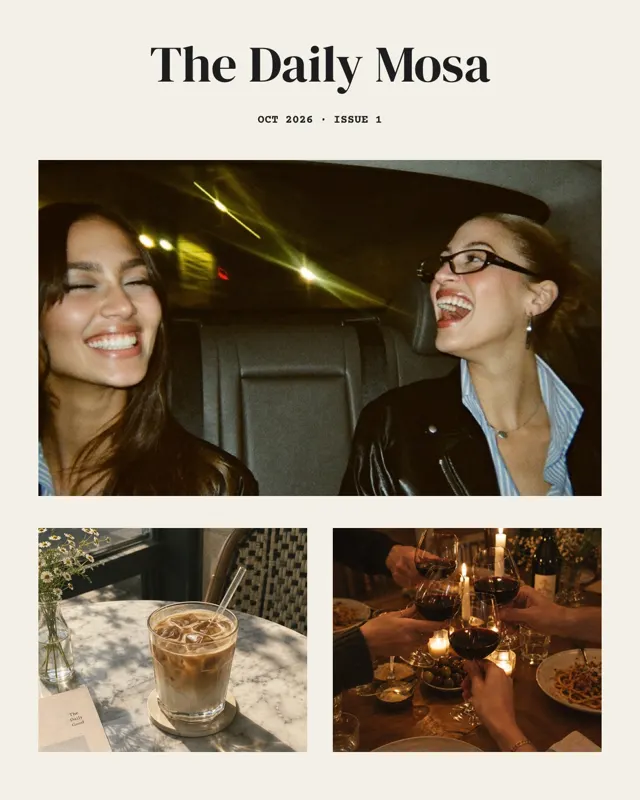
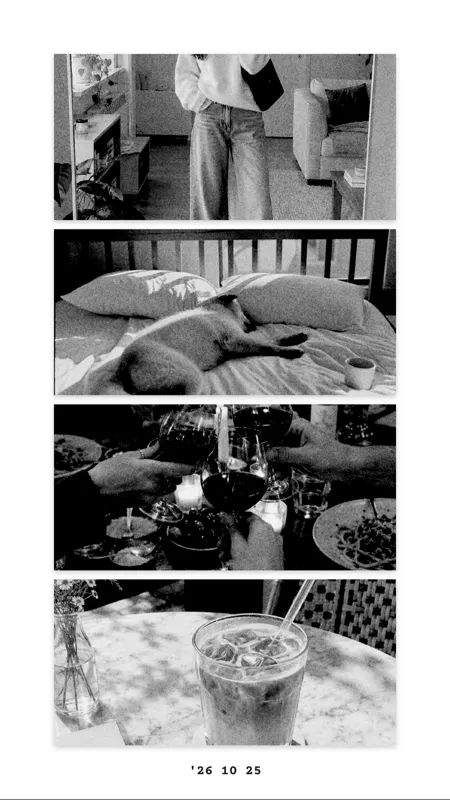
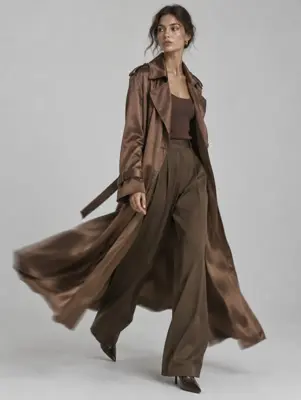
This is what collages from mosa look like, here with sample photos:

Open the Shortcuts app and create a new shortcut. Add the actions “Select Photos” (with multiple selection), “Combine Images” and an action to save to your photo album. In “Combine Images” you choose side by side, stacked or grid, and the spacing.
In the Freeform app, create a new board, add your photos and arrange them freely, big, small or overlapping. For a finished image, take a screenshot at the end or export the board as a PDF.
Neither way offers templates or a fixed format like 4:5 for posts or 9:16 for stories. For greetings, stories and anything with text, a collage app is much faster.
Many collage apps add a watermark when you save or ask for a subscription. mosa is completely free, with no ads, subscription, watermark or account, and works offline.
Short answers.
No. The Photos app can’t create collages. Without an extra app there are only workarounds like the “Combine Images” shortcut or the Freeform app.
The quickest way is a two-photo layout in mosa: pick the photos, tap a layout, save. Without an app, use the “Combine Images” shortcut.
One with layouts, templates and text that saves without a watermark. mosa offers more than 500 layouts for 1 to 20 photos and more than 60 templates, free and without an account.
Not with the built-in tools. In mosa you can save any collage as an animated video: the photos appear one by one, followed by text and stickers.
More guides and templates for your next collage.
mosa is completely free. No ads, no subscription, no watermark and no account.