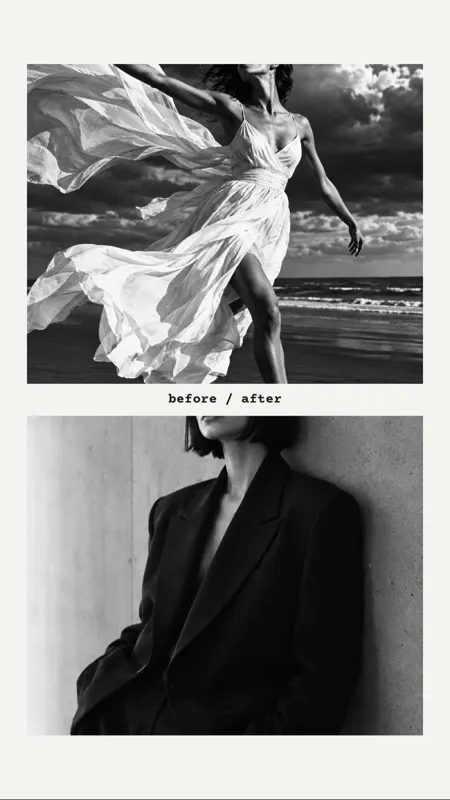








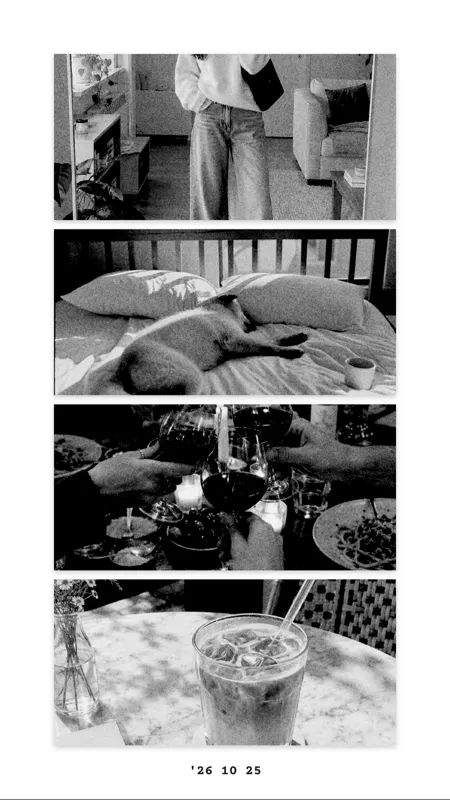

Frames
Instant photo, viewfinder, film strip, slide, stamp, ticket, retro, checkerboard, wave, scribble, heart, arch, photo corners, tape, flowers, stars and torn paper.

Frames, stickers, tape
A frame puts a photo in the spotlight, a sticker gives it a tone. In mosa you find frames like instant photo, film strip, stamp or heart, plus tape, labels, shapes and doodles. All calmly designed, nothing loud.
Free for iPhone. No ads, subscription, watermark or account.






Start with a template where frames and stickers are already placed, or with one of more than 500 layouts.
Frames are see-through inside. Place one over a photo and move the picture within the window until the crop is right.
Place, rotate and resize stickers with your finger. They sit on top of the photos and combine with text.
In these templates, frames, tape and stickers are already in place:
Instant photo, viewfinder, film strip, slide, stamp, ticket, retro, checkerboard, wave, scribble, heart, arch, photo corners, tape, flowers, stars and torn paper.
Labels like “Best day”, “Weekend”, “Merci” or “xoxo”, plus tickets, a receipt, a postmark, a bow, cherries, a butterfly, a daisy, a pin and a clip.
Hearts, stars, sun, cloud, rainbow and confetti in the mosa colours, several tapes, and arrows, circles, underlines and sparks that look hand-drawn.
One frame and one or two stickers are usually enough. The photos stay the focus and the collage looks designed rather than cluttered.
Short answers.
No. All frames and stickers are included in mosa for free. There are no packs to buy.
Yes. Use two fingers to rotate and resize any sticker and one finger to move it.
Yes. Besides the drawn stickers you can also put emojis on your collage.
No. Frames and stickers only live in the collage. Your original photos in the library stay untouched.
More guides and templates for your next collage.
mosa is completely free. No ads, no subscription, no watermark and no account.