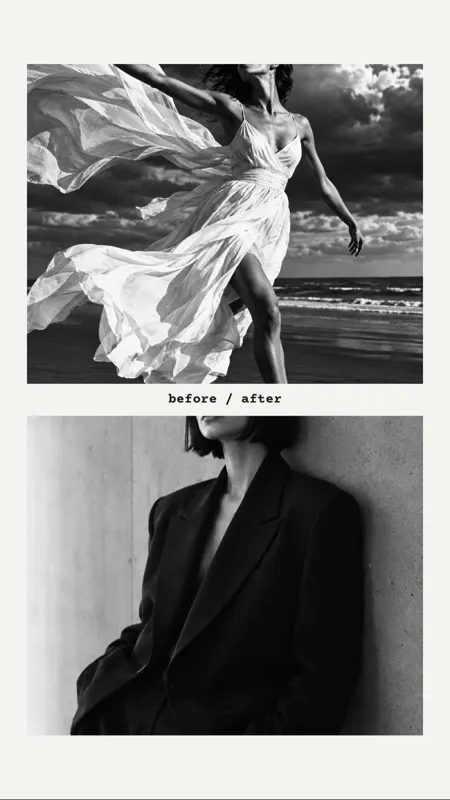

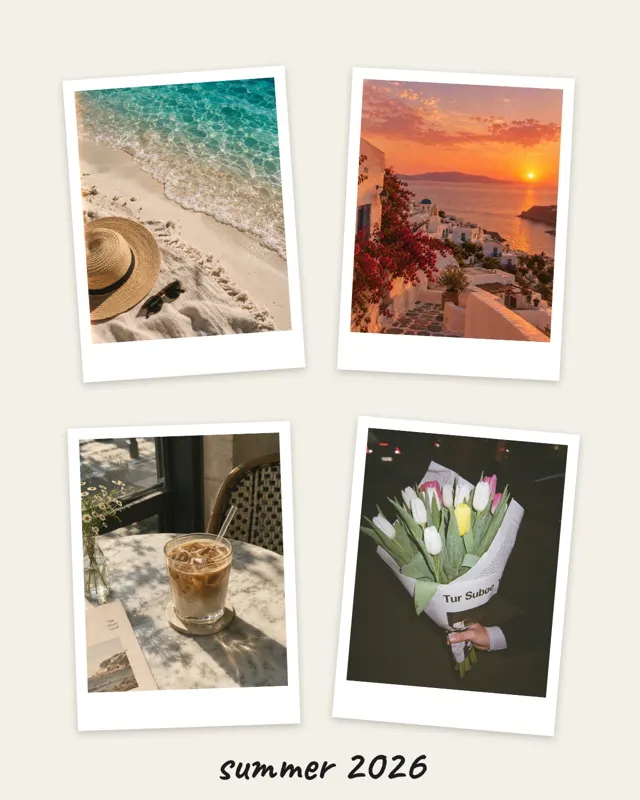









Leave room at the top and bottom
In stories, your name sits at the top and the reply field at the bottom, both on top of the picture. Keep faces and text towards the middle and leave about an eighth free at each end.

Story format 9:16
Stories are tall and narrow. A collage in 9:16 fills the whole screen with no black bars and nothing cut off. With mosa you make one in a minute, even as a short video.
Free for iPhone. No ads, subscription, watermark or account.

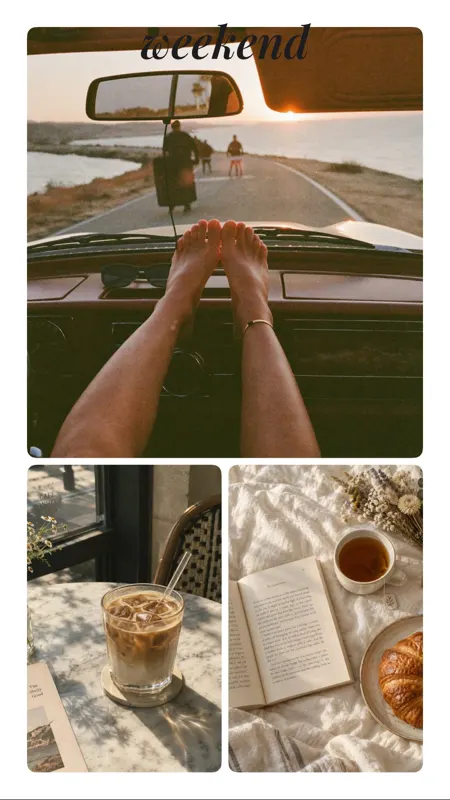
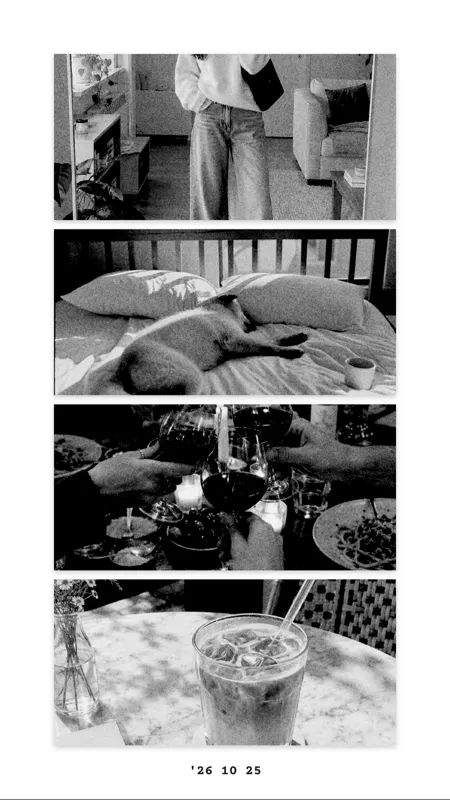



Start with one of the story templates such as Clean Story, Film strip or Photo booth. Or begin with any layout and switch the format to 9:16.
Up to 20 photos fit into one collage. Drag the dividers with your finger and add text in 12 fonts.
As a video, the photos pop in one after another, followed by text and stickers. The video is 1080 pixels wide and goes straight to your Photos, ready to share.
Every template here is already set up in 9:16. This is how they look with sample photos:
In stories, your name sits at the top and the reply field at the bottom, both on top of the picture. Keep faces and text towards the middle and leave about an eighth free at each end.
On a phone, three to five photos look stronger than twelve small ones. If you want to show many, spread them over two stories.
Photos taken in portrait lose less when cropped. In mosa you move the crop with two fingers.
The animated video turns a still collage into a short sequence. It feels alive without any video editing.
Short answers.
Stories are 9:16 portrait, for example 1080 by 1920 pixels. mosa creates story collages in exactly that ratio and even saves images at 2160 by 3840 pixels.
Yes. Every collage can be saved as an animated video: the photos appear one by one, followed by text and stickers.
No. mosa never adds a watermark, not even on videos. The app is completely free.
Up to 20. For stories we recommend three to six so the pictures stay big enough on a phone.
More guides and templates for your next collage.
mosa is completely free. No ads, no subscription, no watermark and no account.