Download on the App Store

New in mosa

Photo effects straight off a poster.

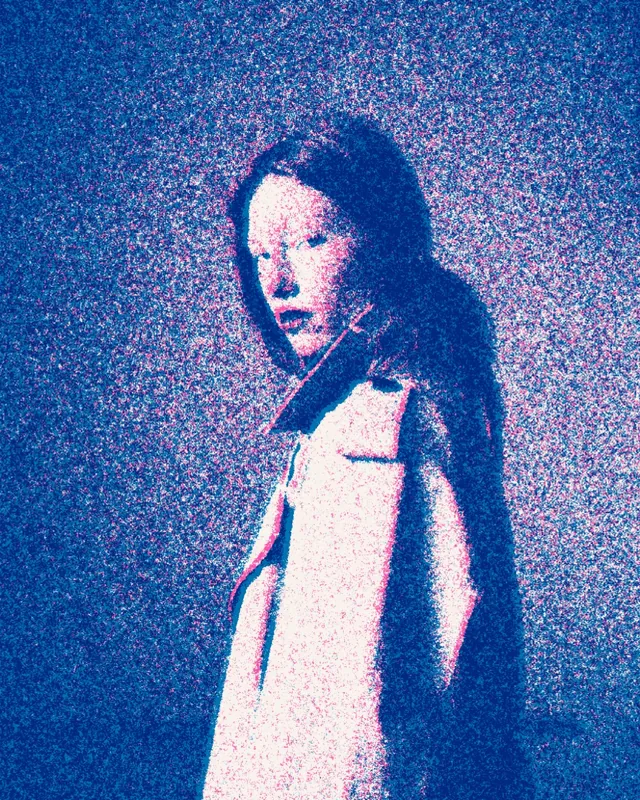
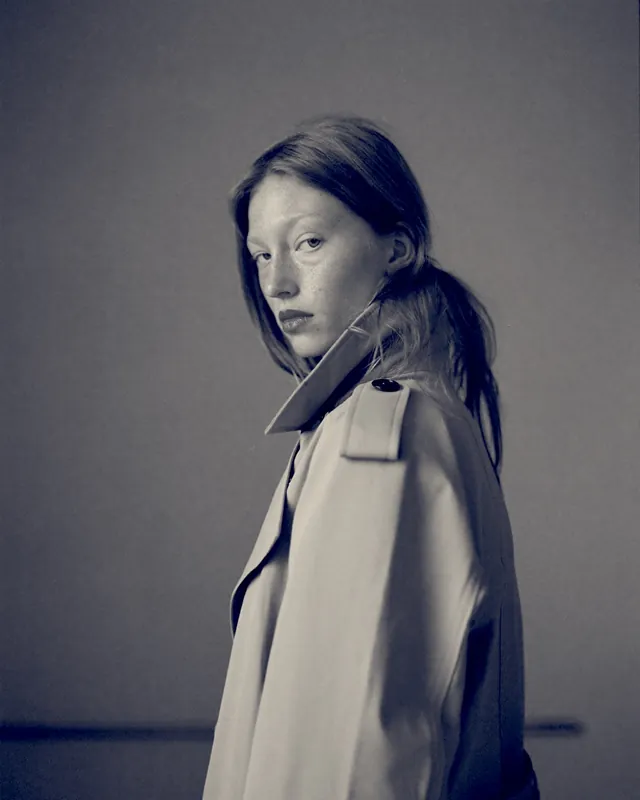
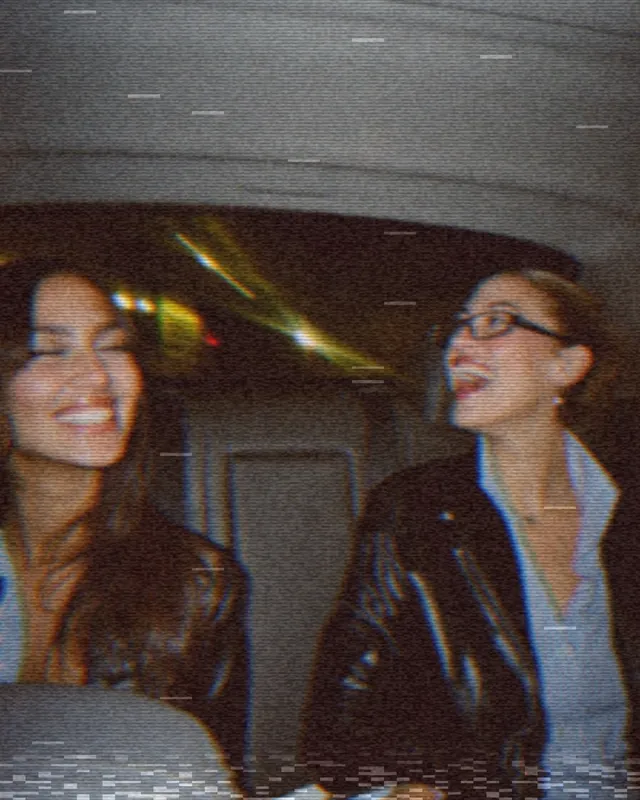
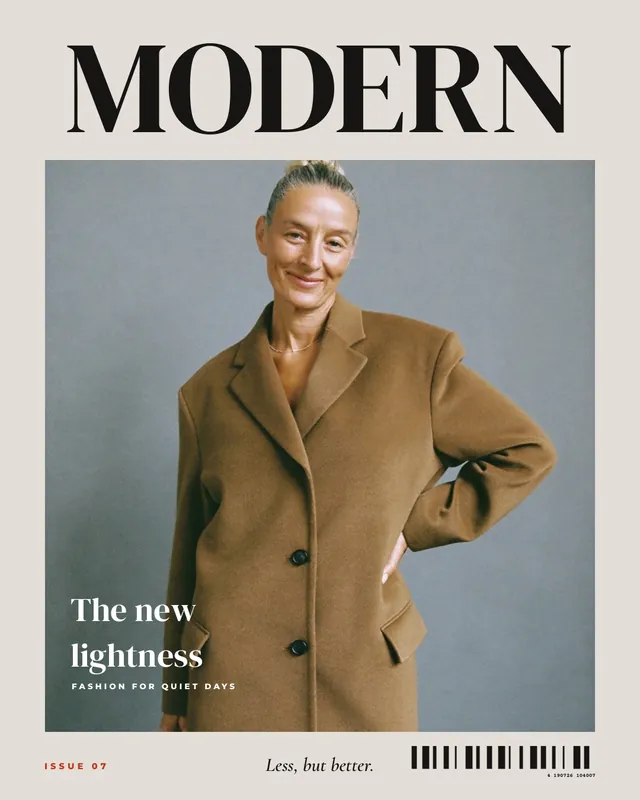
Fluted glass, light leaks, halftone: effects you know from posters and magazines are now in mosa. 25 effects in four groups, each with sliders for strength, size and position, plus 12 templates for posters and stories.

Download on the App Store

Free for iPhone. No ads, subscription, watermark or account.

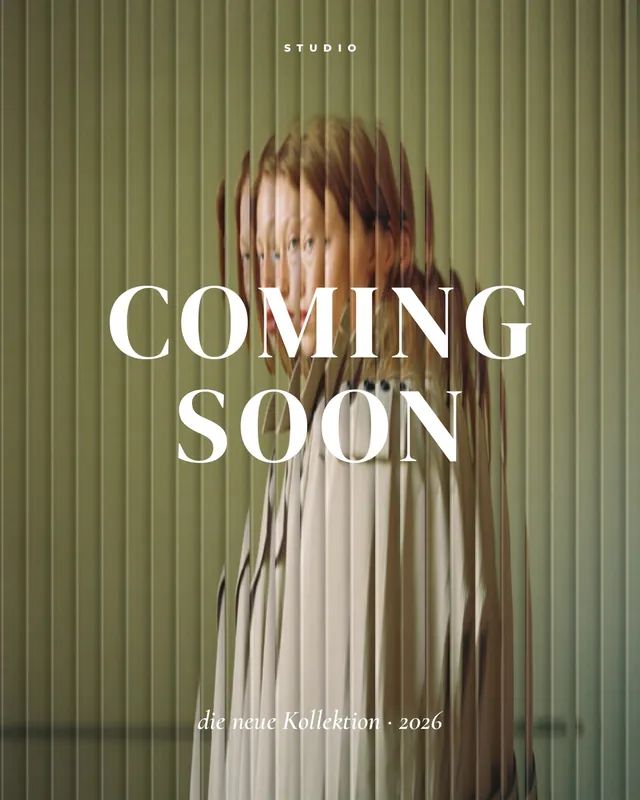
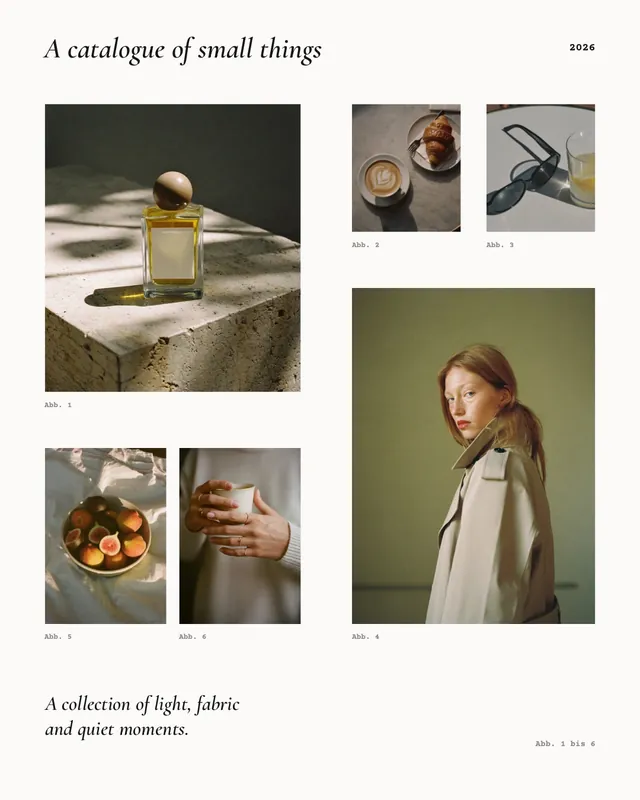
Collage template “Coming Soon” in the mosa app
Coming SoonPoster behind fluted glass
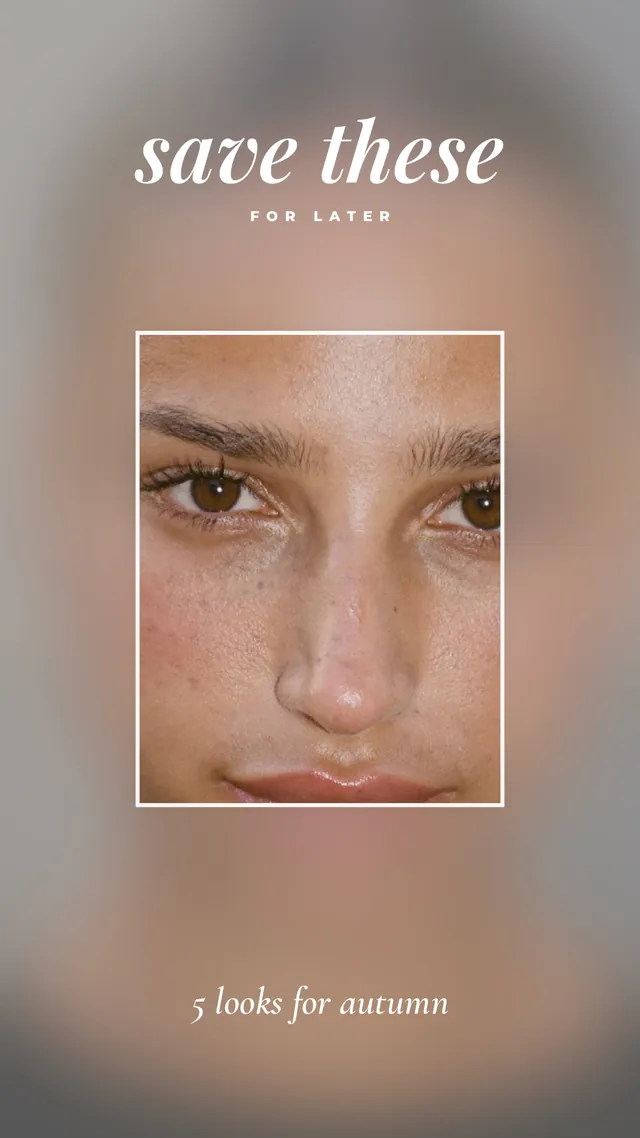
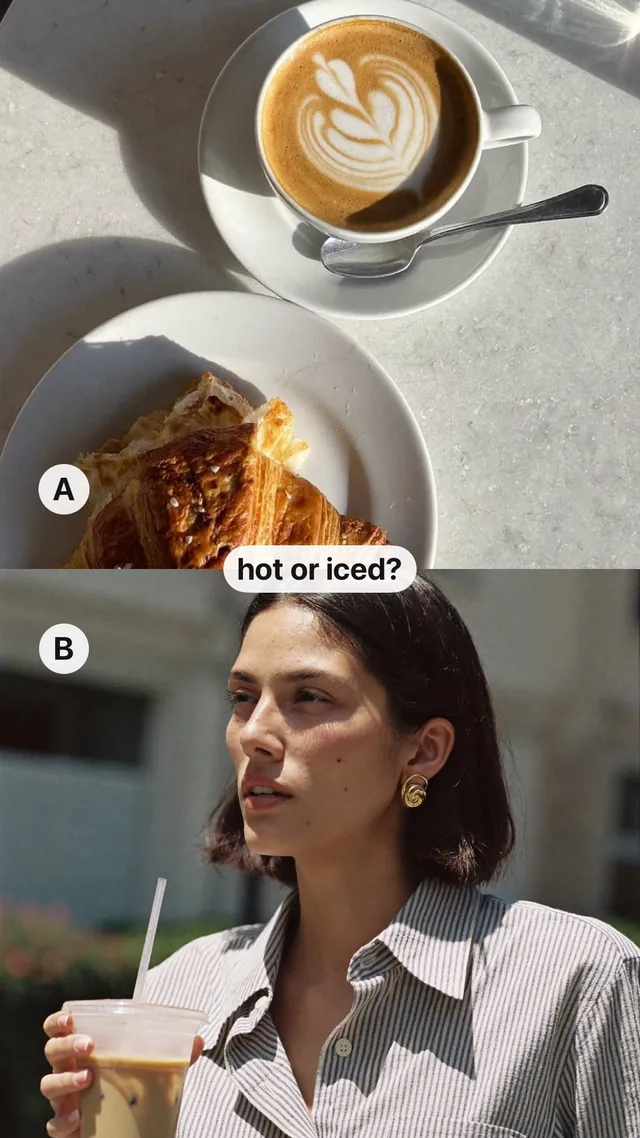
Collage template “Save these” in the mosa app
Save theseStory with a sharp window
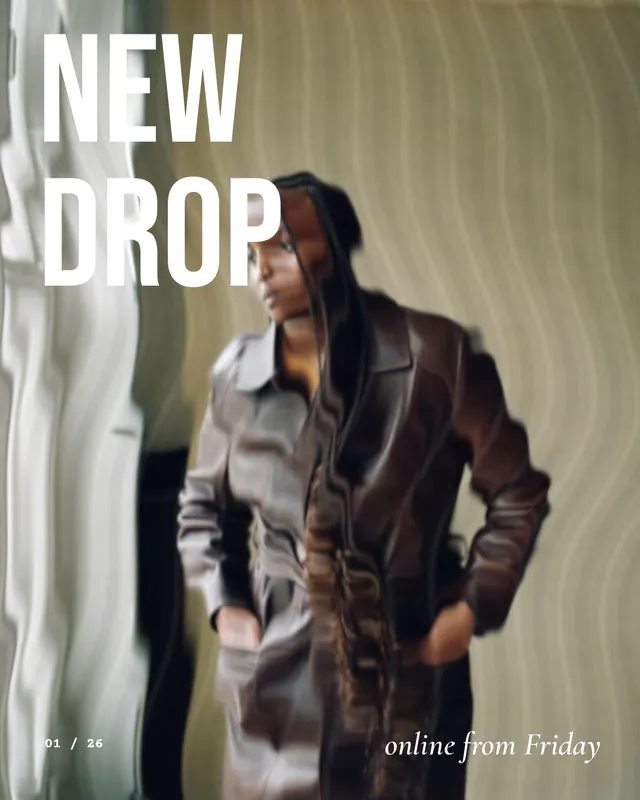
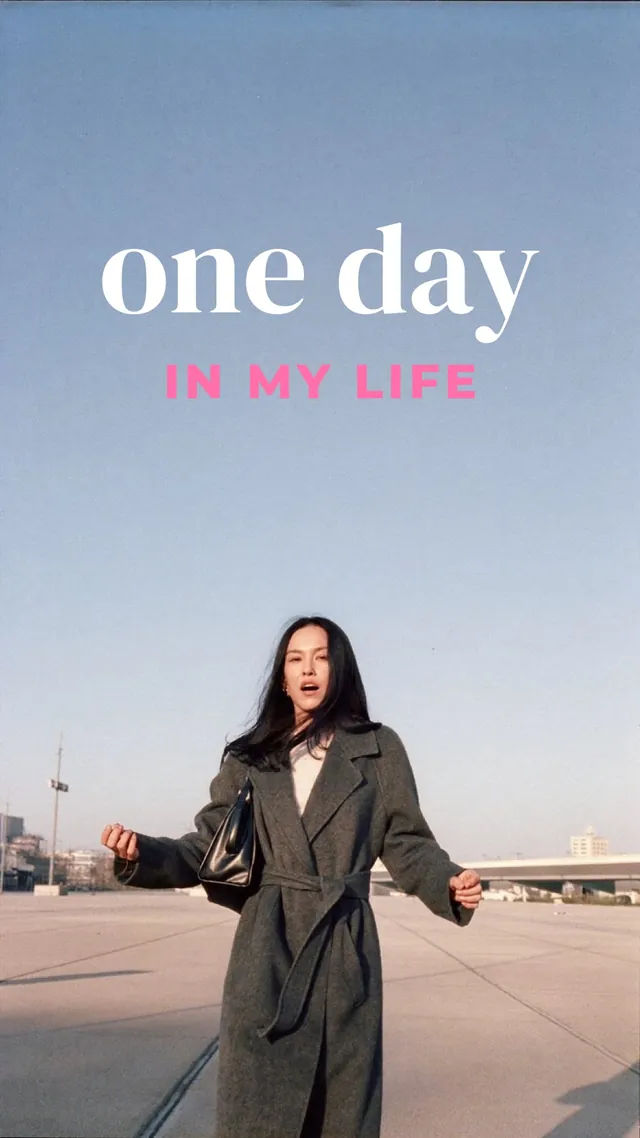
Collage template “New Drop” in the mosa app
New DropCover behind wavy glass
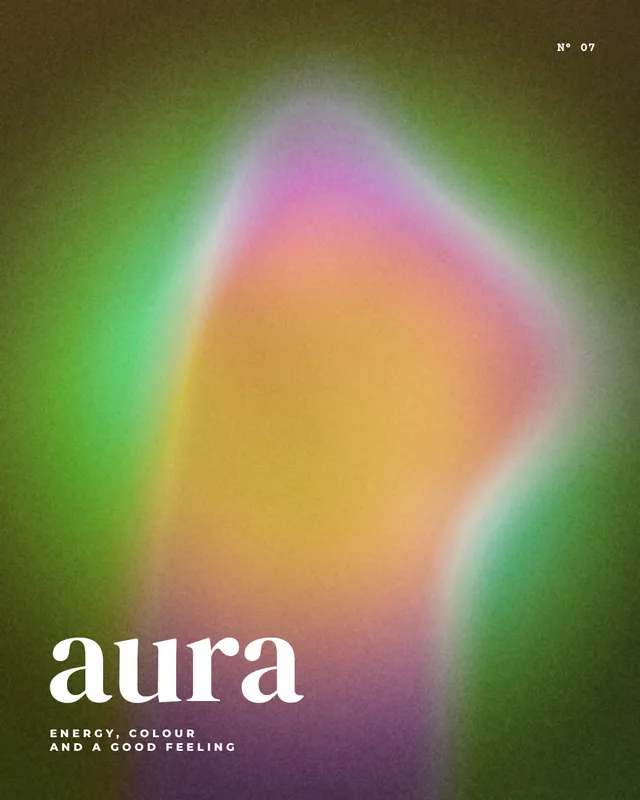
Collage template “Aura” in the mosa app
AuraPoster as a colour glow
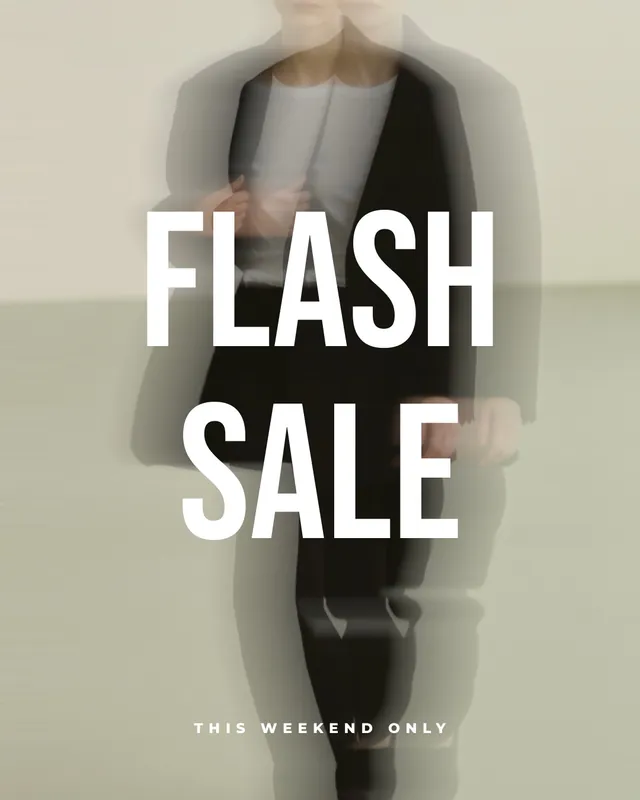
Collage template “Flash Sale” in the mosa app
Flash SalePoster with motion
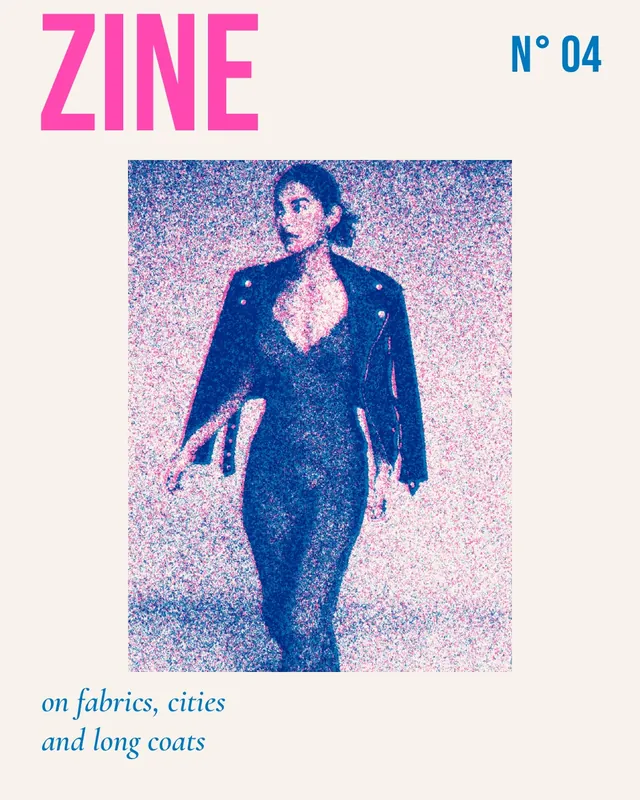
Collage template “Zine” in the mosa app
ZineRiso cover in two colours
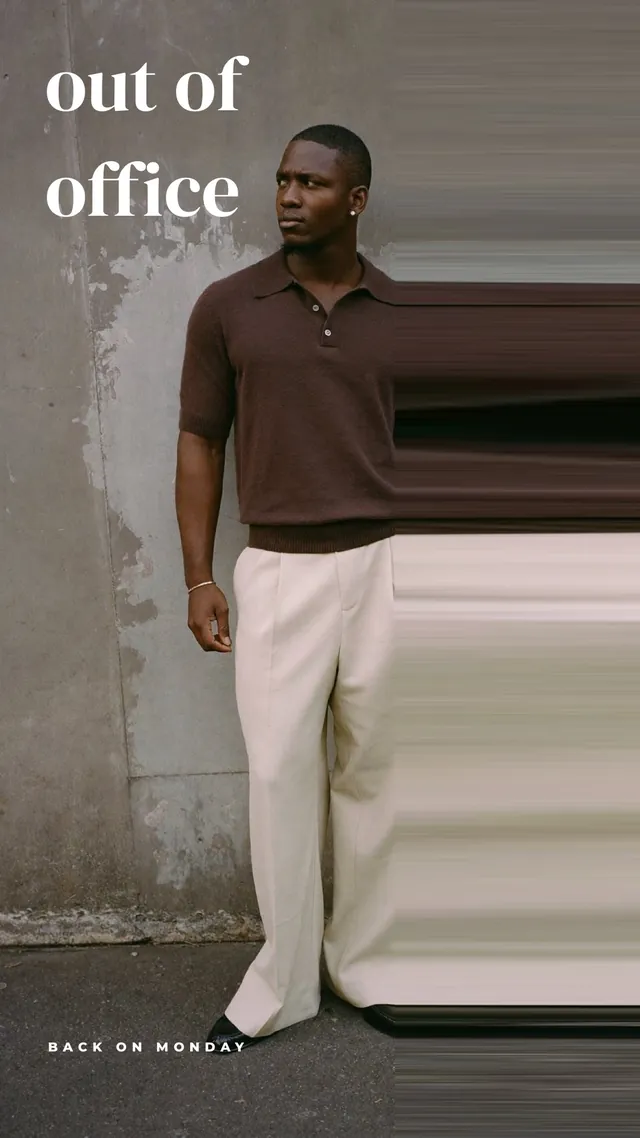
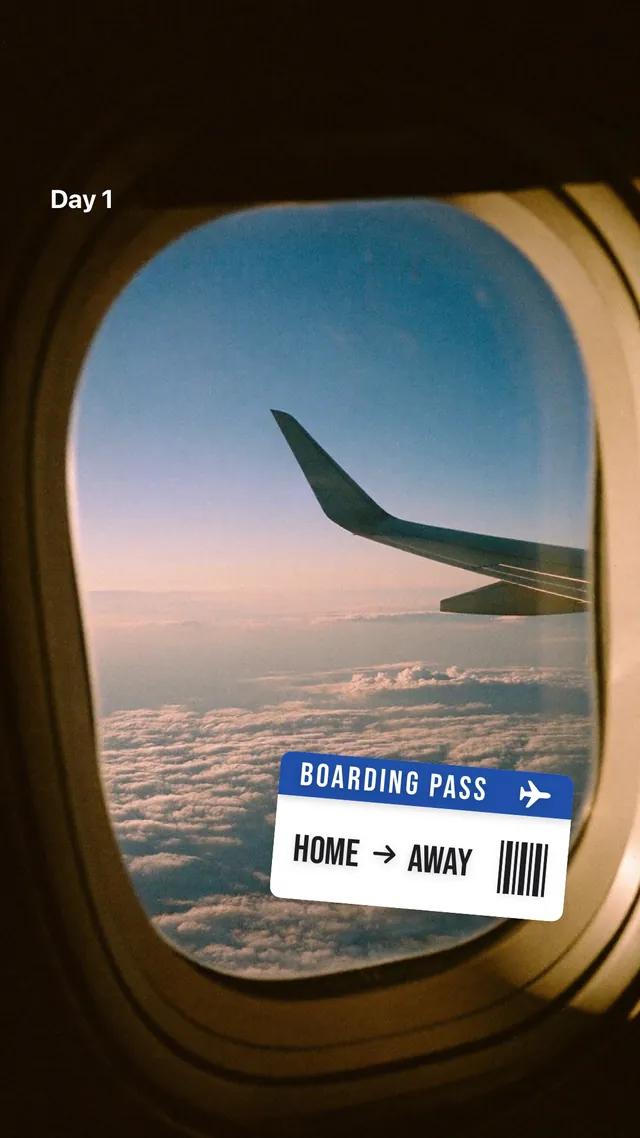
Collage template “Out of Office” in the mosa app
Out of OfficeStory with pixel stretch
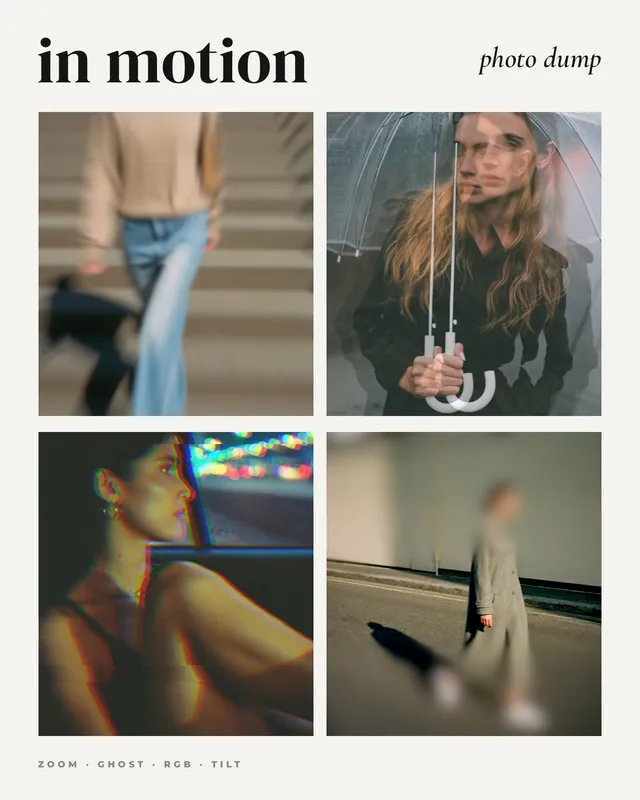
Collage template “In Motion” in the mosa app
In MotionPhoto dump with four kinds of motion
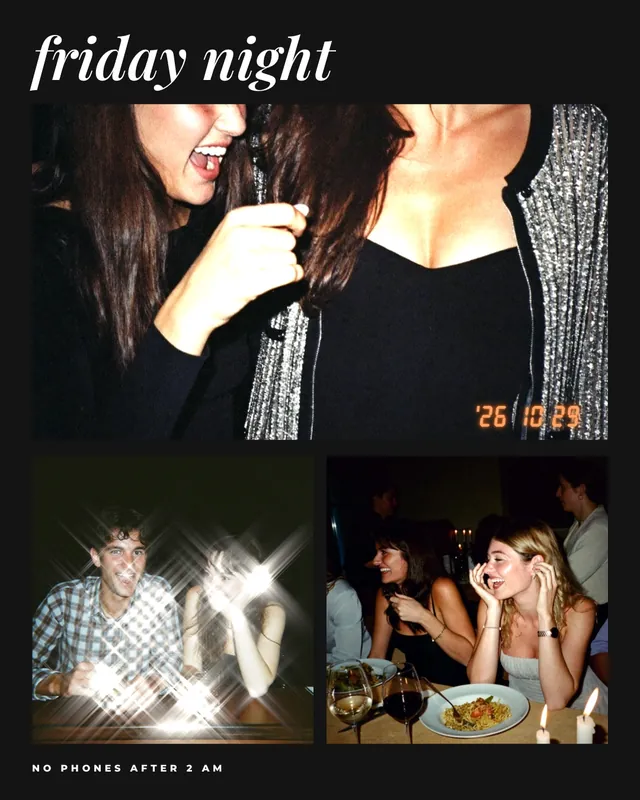
Collage template “Friday Night” in the mosa app
Friday NightPhoto dump with flash and stars
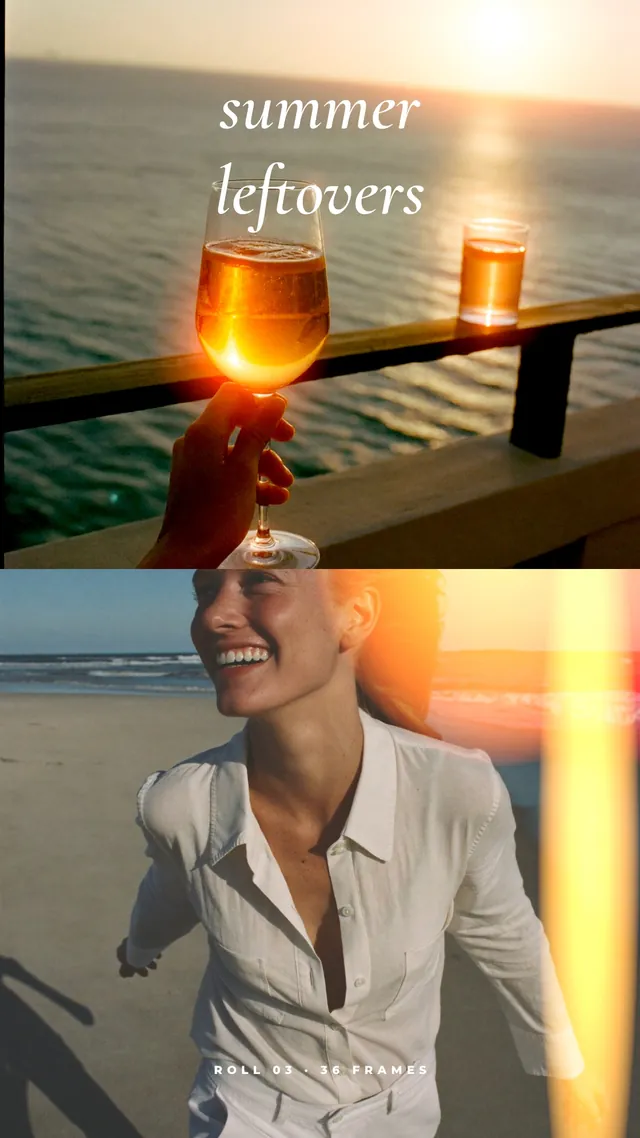
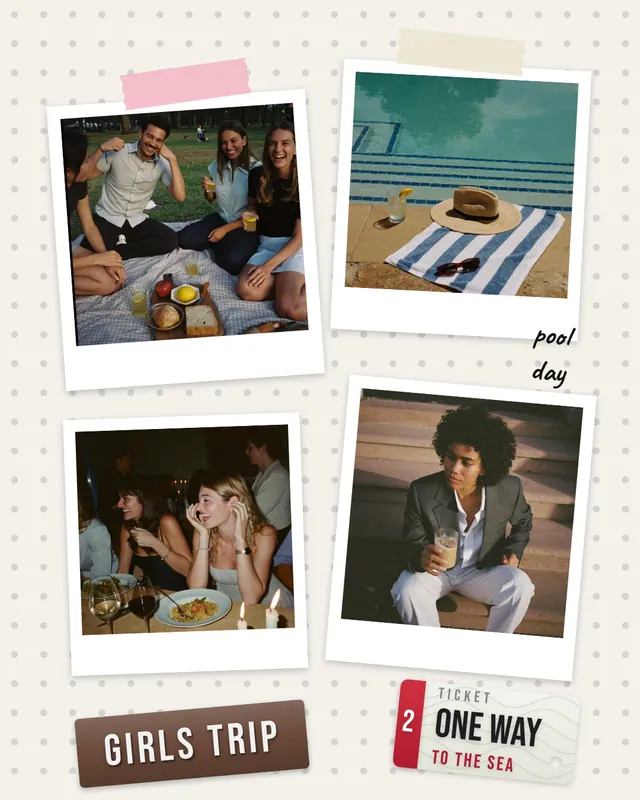
Collage template “Summer Leftovers” in the mosa app
Summer LeftoversStory with a light leak
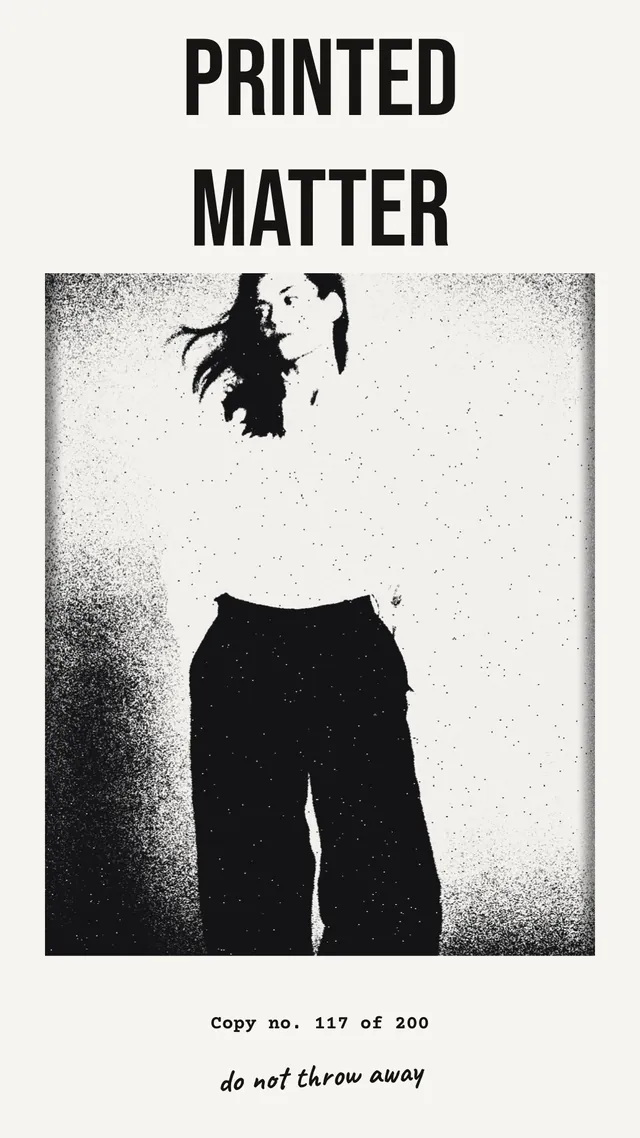
Collage template “Printed Matter” in the mosa app
Printed MatterStory as a photocopy
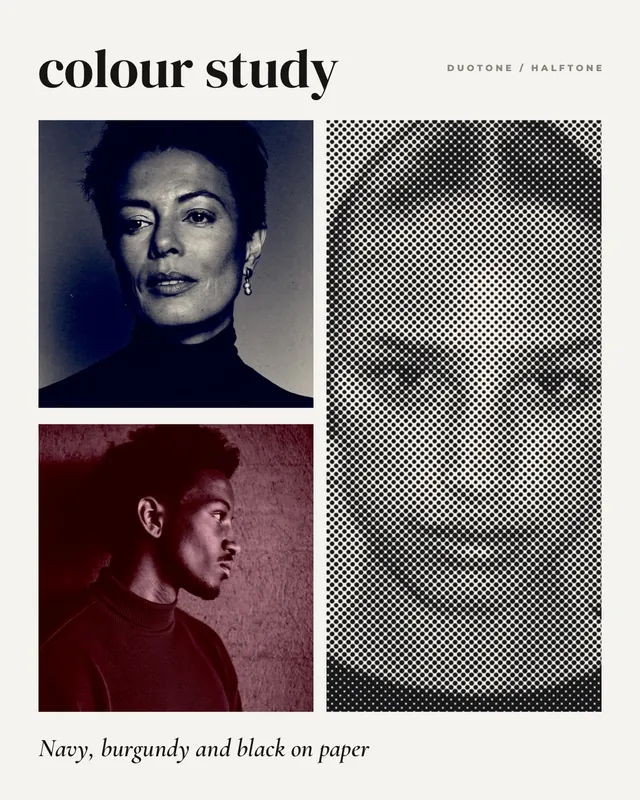
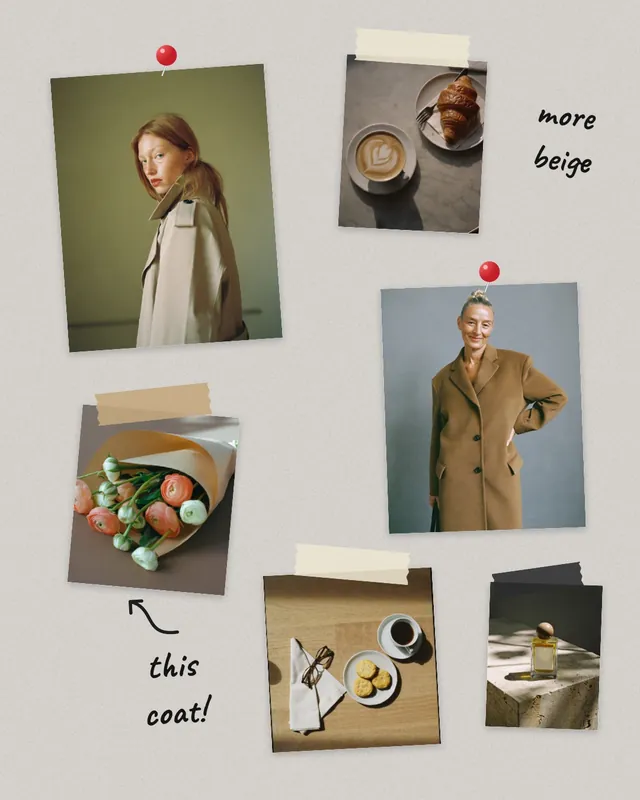
Collage template “Colour Study” in the mosa app
Colour StudyPhoto dump in duotone and halftone

How to add an effect

  1. 1

    Tap a photo

    Tap a photo in your collage. With nothing selected, the effect applies to every photo in the collage.

  2. 2

    Filter, then Effects

    Open the “Filter” tool and switch to the “Effects” tab. Pick a group: glass, motion, light or print.

  3. 3

    Choose and adjust

    Tap an effect and use the sliders for strength, size and position. Then save your collage as usual.

All 25 effects

Every effect has sliders for strength, size and position. Hover over a picture to see the original.

01 · 7 effects

Glass

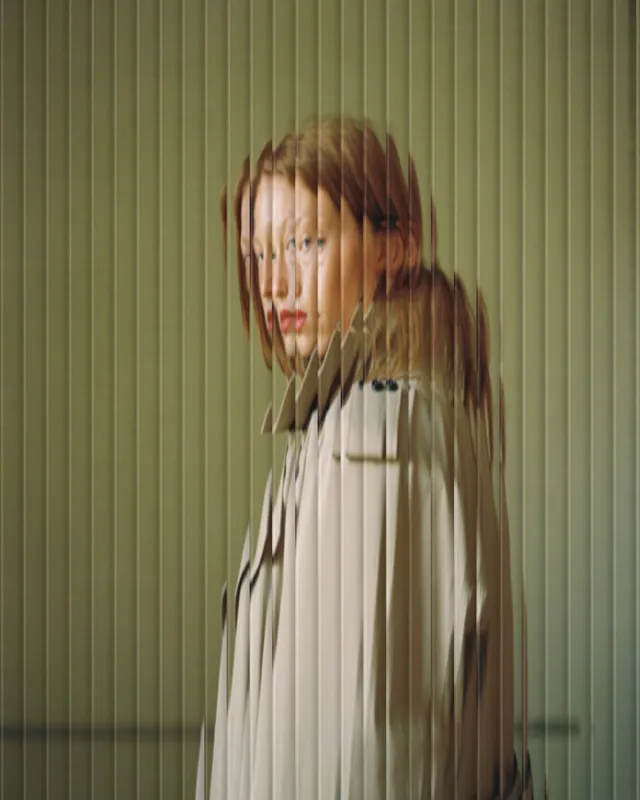
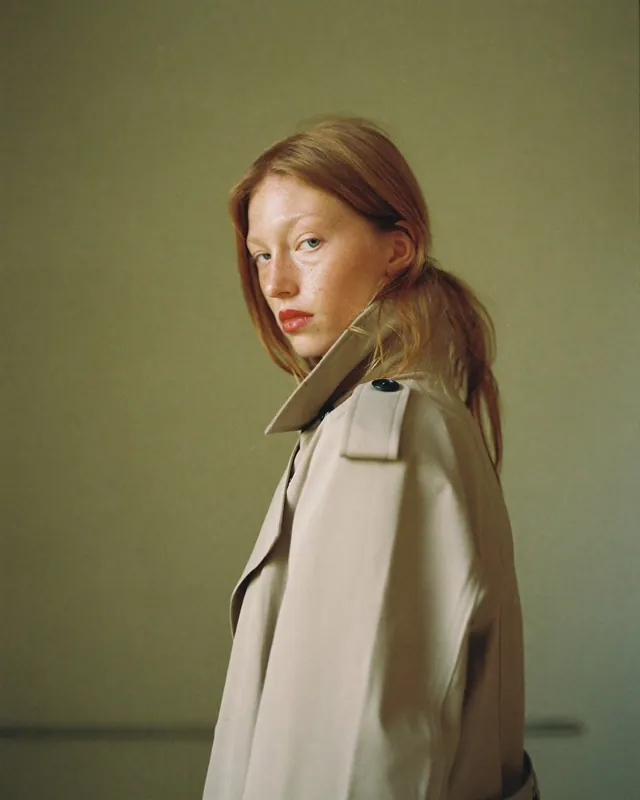
Photos behind glass: fluted, wavy, frosted or with raindrops. Ideal for fashion, portraits and anything that should feel a little mysterious.

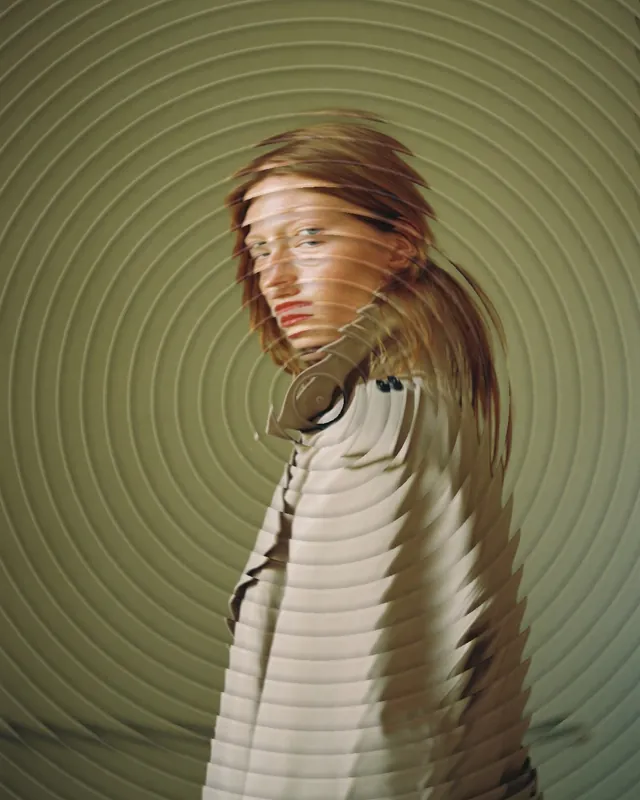
Fluted Glass photo effectOriginal
Fluted GlassAs if behind fluted glass, vertical ribs
Horizontal Flutes photo effectOriginal
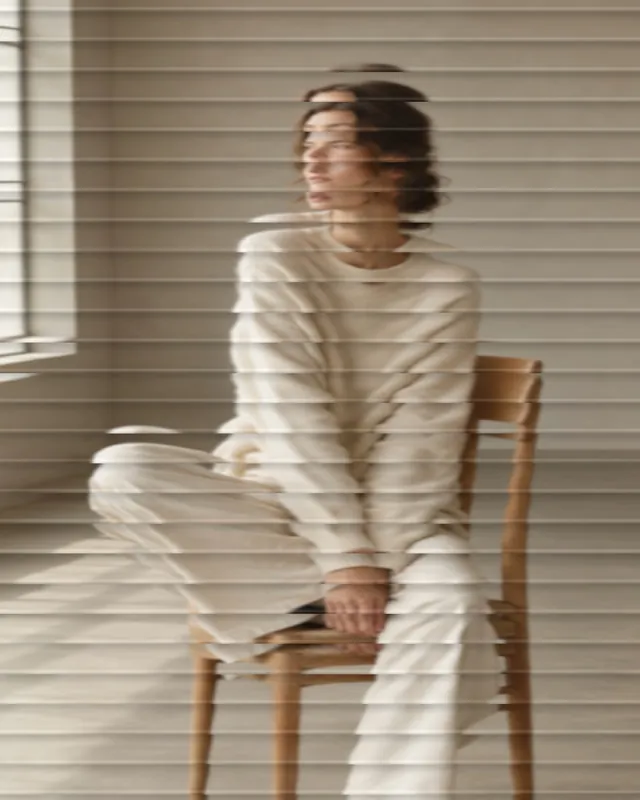
Horizontal FlutesFluted glass with horizontal ribs
Wavy Glass photo effectOriginal
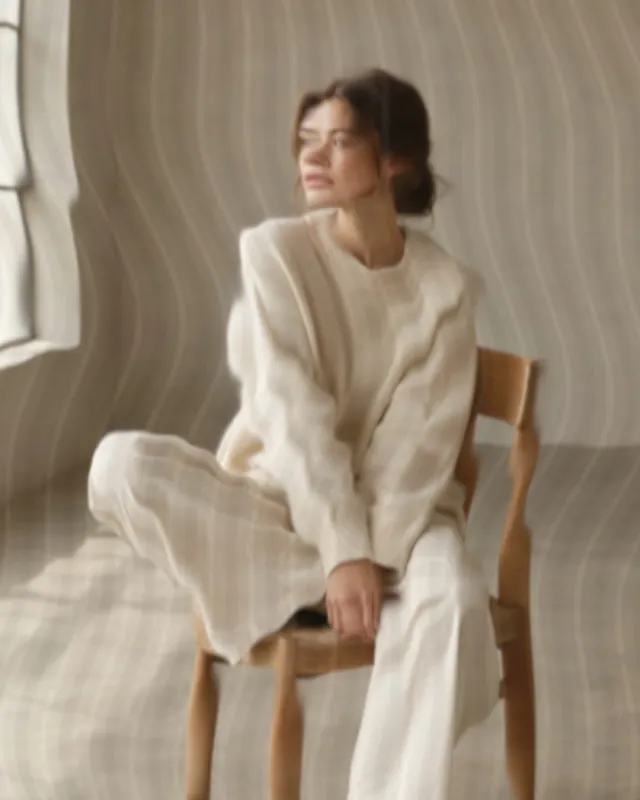
Wavy GlassSoftly wavy glass like a shower screen
Fresnel Glass photo effectOriginal
Fresnel GlassRound grooves from the centre like a glass lens
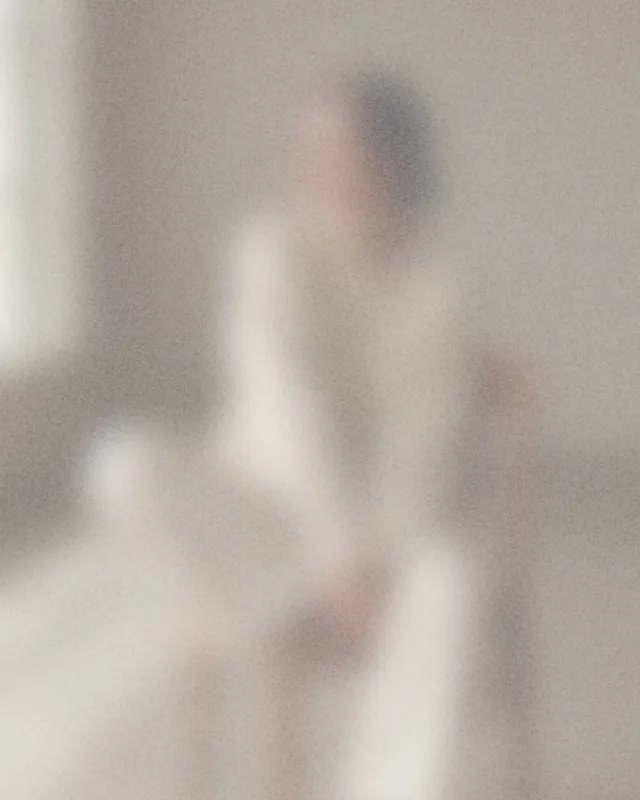
Frosted Glass photo effectOriginal
Frosted GlassSoft, blurred and bright like frosted glass
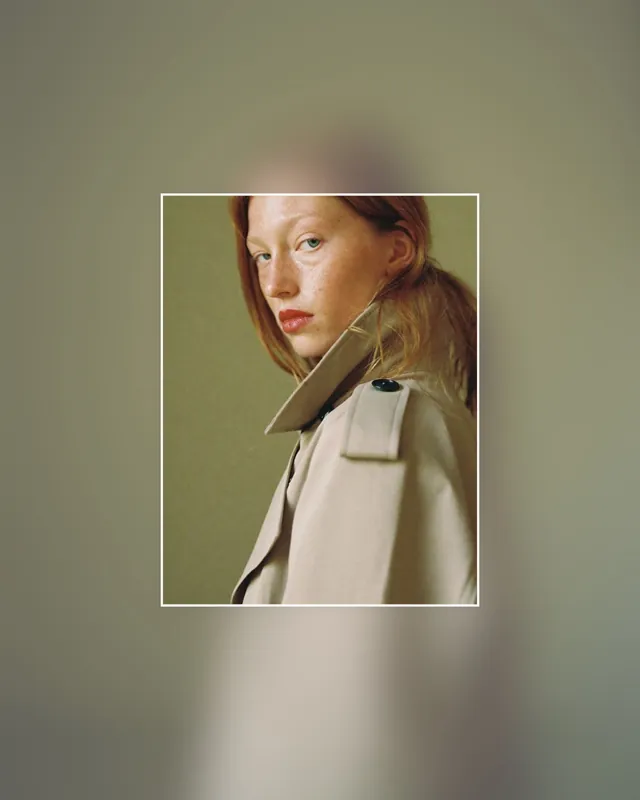
Clear Window photo effectOriginal
Clear WindowEverything blurred, only a window stays sharp
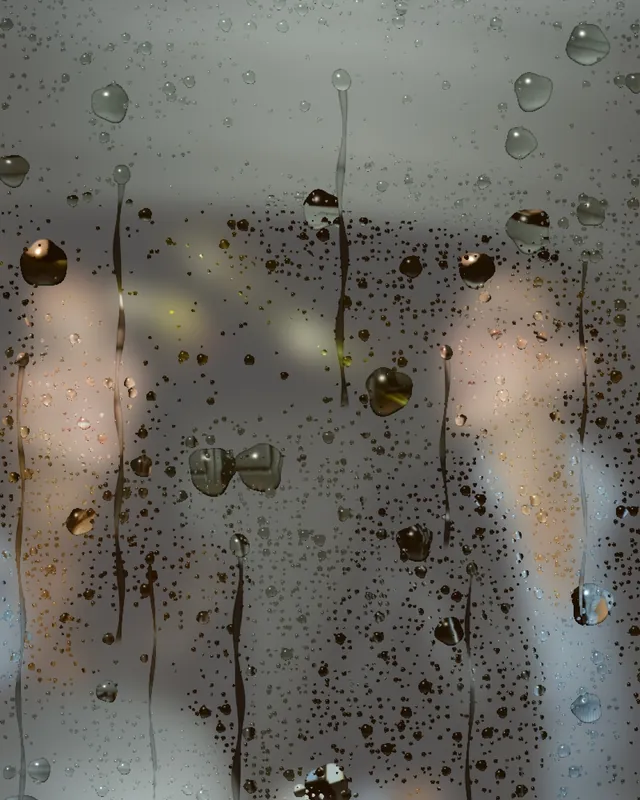
Rainy Glass photo effectOriginal
Rainy GlassRaindrops on the glass in front of the photo

02 · 7 effects

Motion

Motion, zoom and ghost add speed to a still photo. Pixel stretch and RGB split look like deliberate glitches.

Motion photo effectOriginal
MotionSmeared like a moving camera
Zoom Blur photo effectOriginal
Zoom BlurZoom blur from the centre
Pixel Stretch photo effectOriginal
Pixel StretchPart of the photo is stretched into colour streaks
Ghost photo effectOriginal
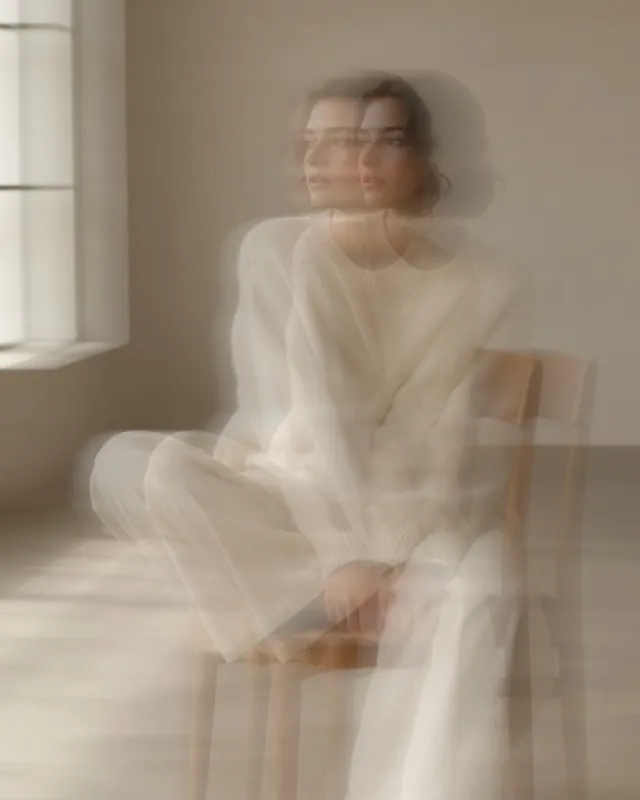
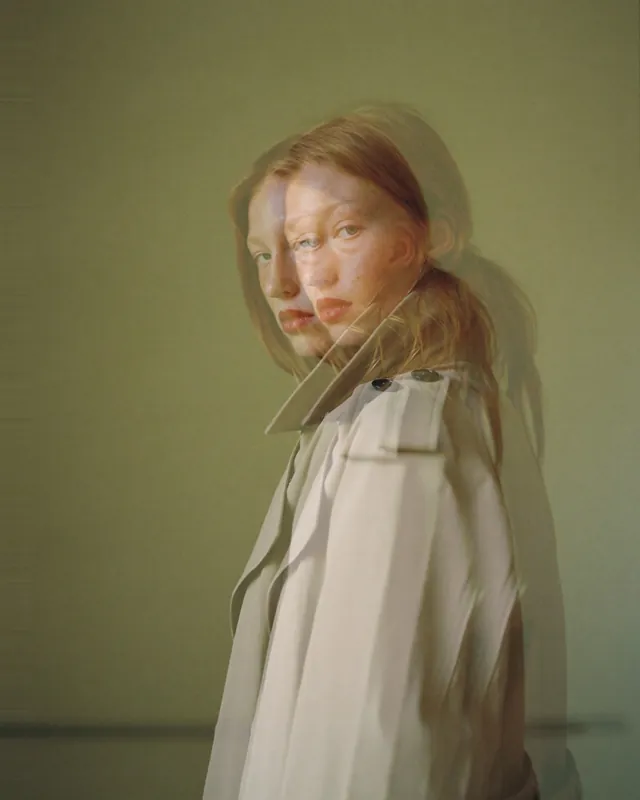
GhostThe photo double exposed with a slight offset
RGB Split photo effectOriginal
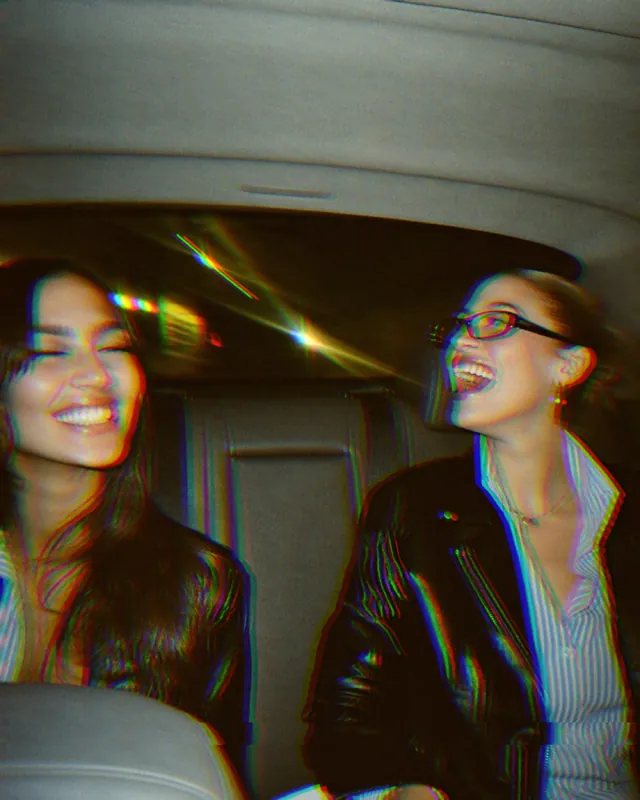
RGB SplitColour channels shifted like a glitch
Tilt Shift photo effectOriginal
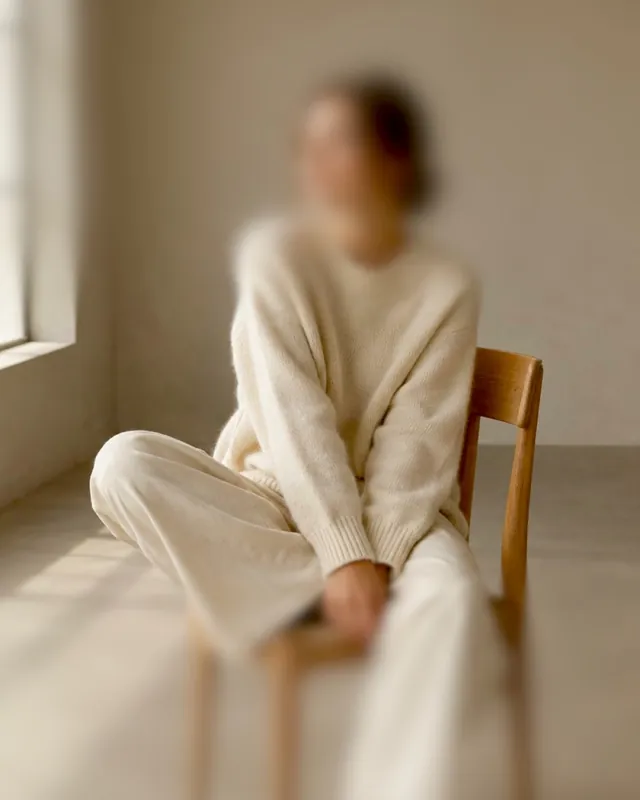
Tilt ShiftBlurred at the top and bottom, one sharp zone
Mirror photo effectOriginal
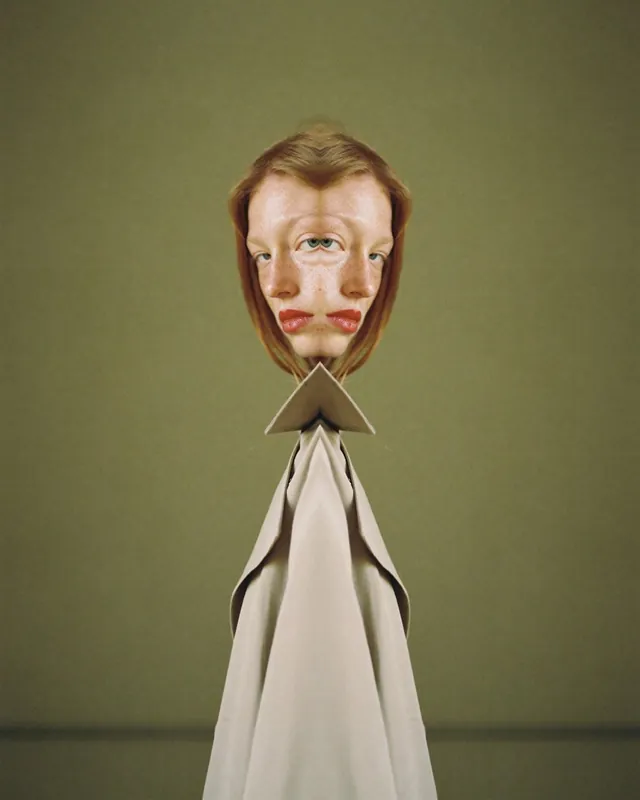
MirrorThe photo mirrored in the middle

03 · 6 effects

Light

Light leaks, halation and flash like on film, plus aura, prism and star filter for evening light and party photos.

Aura photo effectOriginal
AuraSoft coloured glow made from the photo’s colours
Light Leak photo effectOriginal
Light LeakWarm light from the edge like old film
Flash photo effectOriginal
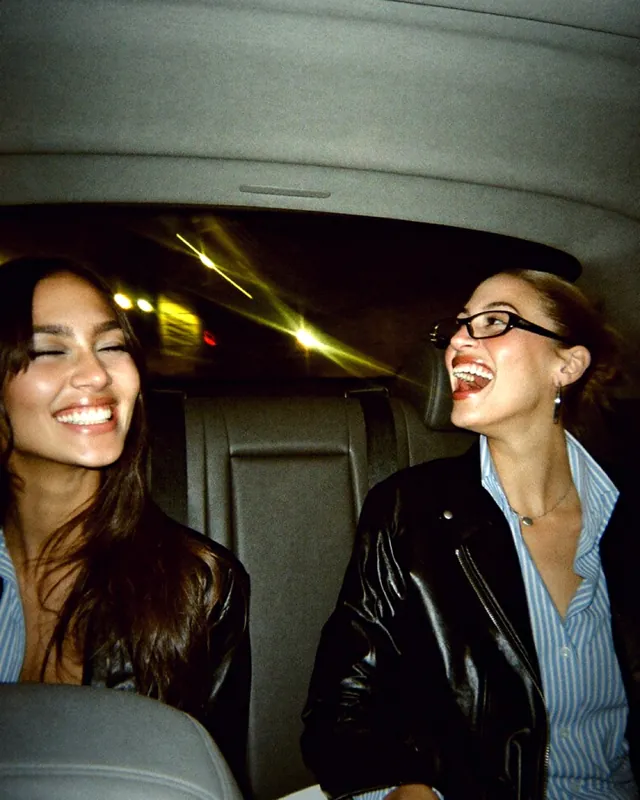
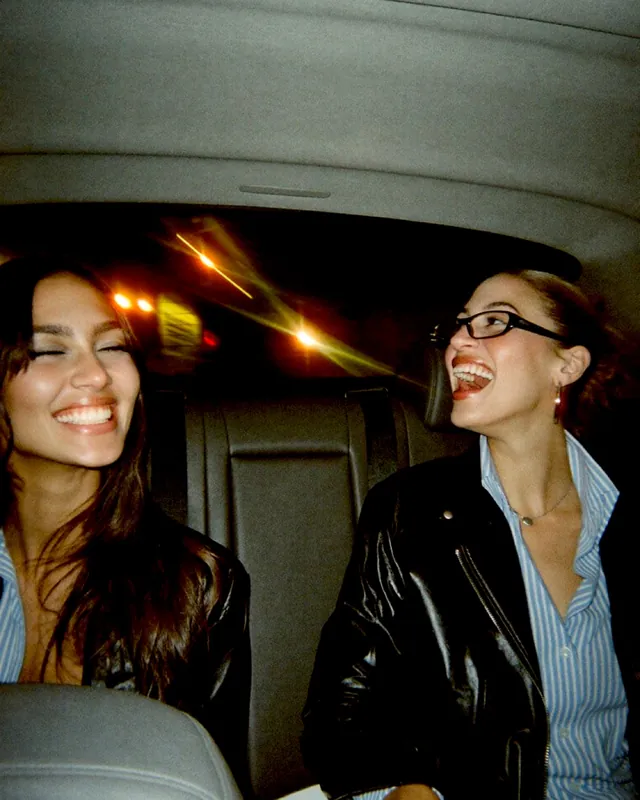
FlashHard direct flash like party photos
Halation photo effectOriginal
HalationRed glow around highlights like cinema film
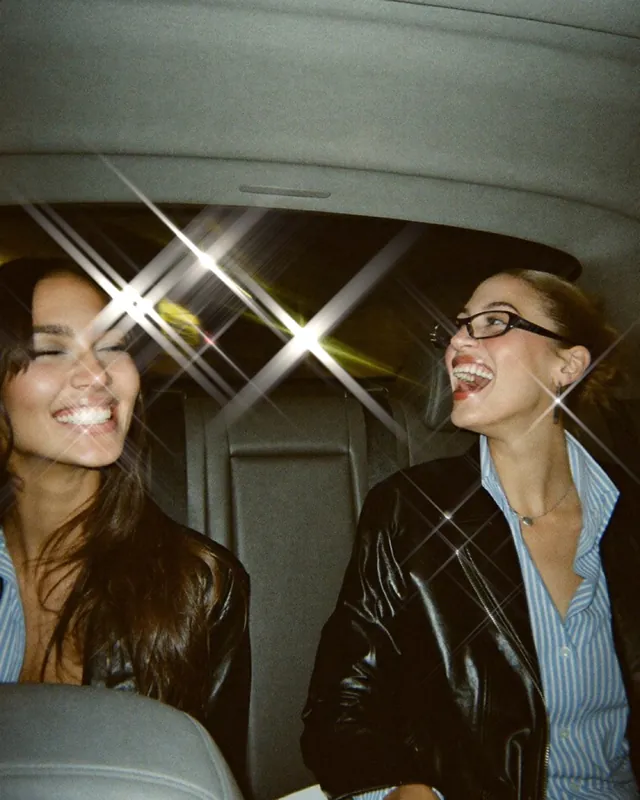
Star Filter photo effectOriginal
Star FilterSmall light stars on the brightest points
Prism photo effectOriginal
PrismRainbow and colour fringe as if through a prism

04 · 5 effects

Print

Halftone, photocopy, riso and duotone straight from the print shop, plus VHS like an old video tape.

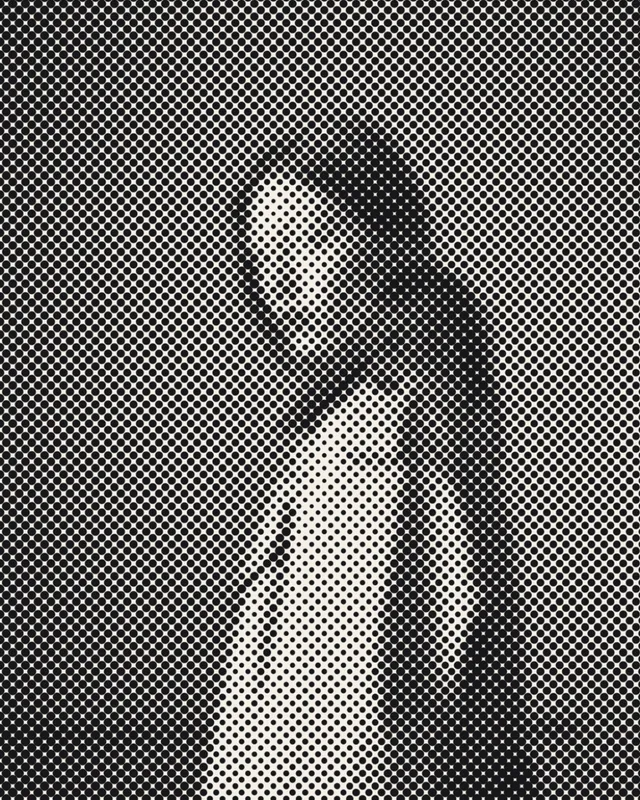
Halftone photo effectOriginal
HalftoneHalftone dots like newspaper print
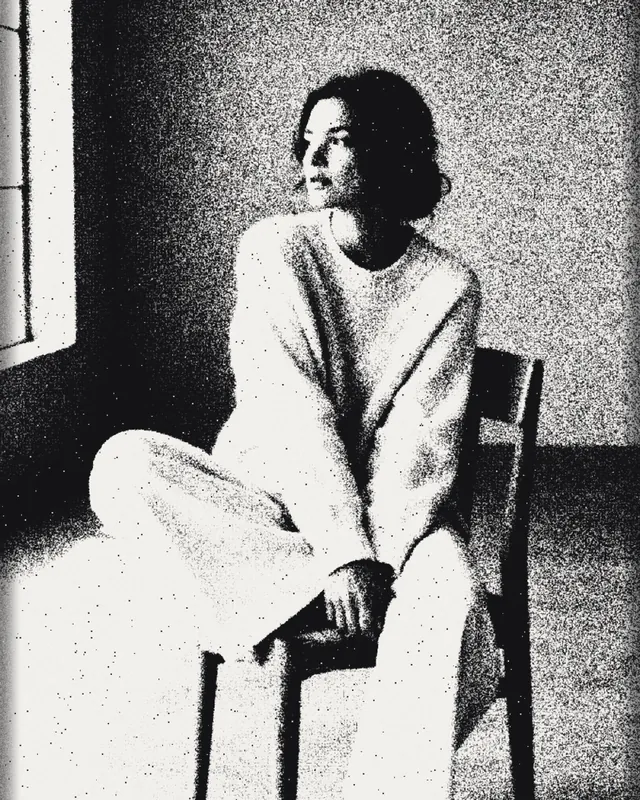
Photocopy photo effectOriginal
PhotocopyHarsh black and white copier with toner grain
Riso photo effectOriginal
RisoTwo inks with grain and a slight offset
Duotone photo effectOriginal
DuotoneThe photo in two colours
VHS photo effectOriginal
VHSVideo tape with scanlines, noise and colour shift

12 effect templates for posters and stories

Effect, font and text are already in place. You just add your photo:

Collage template “Coming Soon” in the mosa app
Coming SoonPoster behind fluted glass
Collage template “Save these” in the mosa app
Save theseStory with a sharp window
Collage template “New Drop” in the mosa app
New DropCover behind wavy glass
Collage template “Aura” in the mosa app
AuraPoster as a colour glow
Collage template “Flash Sale” in the mosa app
Flash SalePoster with motion
Collage template “Zine” in the mosa app
ZineRiso cover in two colours
Collage template “Out of Office” in the mosa app
Out of OfficeStory with pixel stretch
Collage template “In Motion” in the mosa app
In MotionPhoto dump with four kinds of motion
Collage template “Friday Night” in the mosa app
Friday NightPhoto dump with flash and stars
Collage template “Summer Leftovers” in the mosa app
Summer LeftoversStory with a light leak
Collage template “Printed Matter” in the mosa app
Printed MatterStory as a photocopy
Collage template “Colour Study” in the mosa app
Colour StudyPhoto dump in duotone and halftone

Tips for strong effects

01

Clear outlines for glass

Fluted and wavy glass look best on people against a calm background. The clearer the outlines, the nicer the ribs.

02

Text stays sharp

Effects only change the photo. Titles and stickers in the collage stay crisp, which is why posters with fluted or frosted glass work so well.

03

Dose the strength

The defaults are deliberately subtle. Pull the strength slider up for a poster look, or down for something finer.

04

One effect ties it together

One effect across all photos makes a collage feel consistent. Different effects per photo work for series or comparisons.

Questions about photo effects

Short answers.

What is a fluted glass effect?

It makes a photo look as if it sits behind ribbed glass, like shower screens or cabinet doors, also known as reeded glass. In mosa it comes vertical, horizontal and round.

How do I make a photo look like it is behind frosted glass?

Under “Filter”, choose the “Effects” tab, then Glass and Frosted Glass. The strength sets how blurred and bright the photo gets. With Clear Window, one area stays sharp.

How do I make a “Coming Soon” poster?

Use the “Coming Soon” template: fluted glass, a big title and a small line are already in place. Add your photo, adjust the text, save.

Do the effects cost anything?

No. All 25 effects and the effect templates are free like everything in mosa, with no subscription and no watermark.

Do I need internet for the effects?

No. The effects are calculated right on your iPhone. Your photos never leave the device.

More ideas

More guides and templates for your next collage.

Ready for your collage?

mosa is completely free. No ads, no subscription, no watermark and no account.

Download on the App Store